1
Advanced (Recording pictures)
[REC] mode:
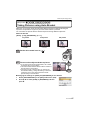
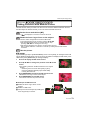
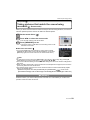
Taking Pictures with the Self-timer
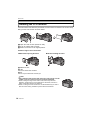
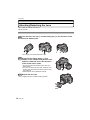
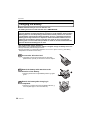
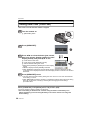
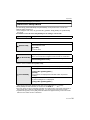
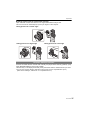
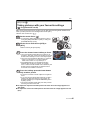
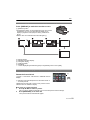
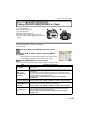
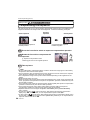
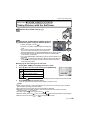
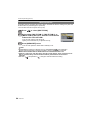
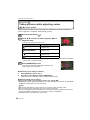
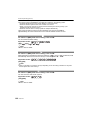
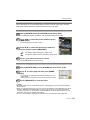
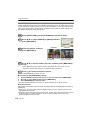
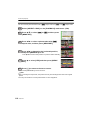
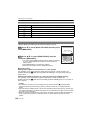
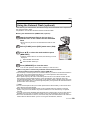
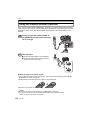
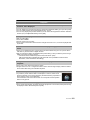
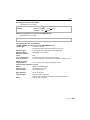
Set the drive mode lever to [ë].
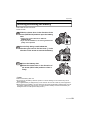
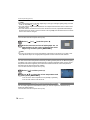
Press the shutter button halfway to focus
and then press it fully to take the picture.
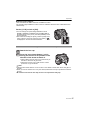
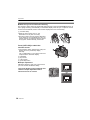
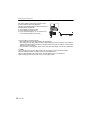
A When self-timer is set to [
A
].
• A picture is not taken until the subject is brought into
focus.
• If you want to press the shutter button fully to take a
picture even when the subject is not focused, set
[FOCUS PRIORITY] in the [CUSTOM MENU] menu to [OFF]. (P108)
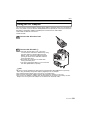
• The self-timer indicator B blinks and the shutter is activated after
10 seconds (or 2 seconds).
• If you press [MENU/SET] while taking a picture with the self-timer, it is
cancelled.
• When [
] is selected, the self-timer indicator blinks again after the
first and the second pictures are taken and the shutter is activated
2 seconds after it blinks.
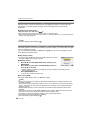
∫ Changing the time setting for the self-timer
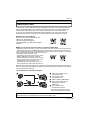
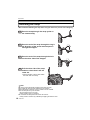
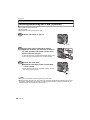
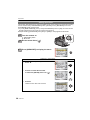
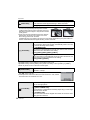
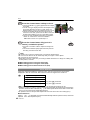
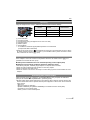
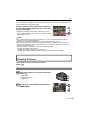
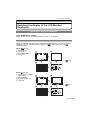
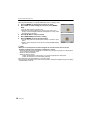
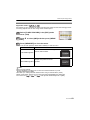
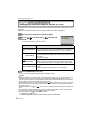
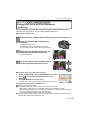
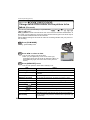
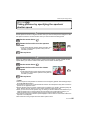
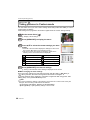
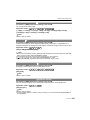
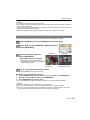
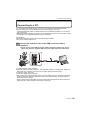
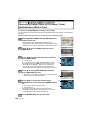
1 Select [SELF-TIMER] in the [REC] mode menu. (P28)
2
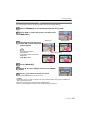
Press 3/4 to select the mode and then press [MENU/SET].
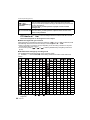
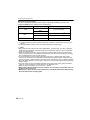
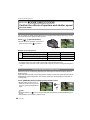
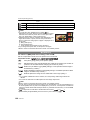
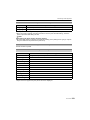
Item
Settings
10 seconds
10 seconds/3 pictures
2 seconds
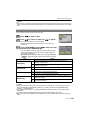
3
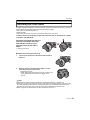
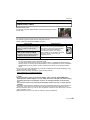
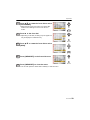
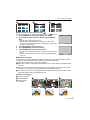
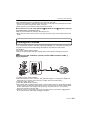
• If you set [
], after 10 seconds the camera takes 3 pictures at about 2 second intervals.
Press [MENU/SET] to close the menu.
• You can also press the shutter button halfway to close the menu.
Note
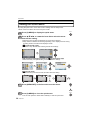
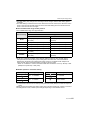
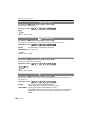
• When using a tripod etc., setting the self-timer to 2 seconds is a convenient way to avoid the
jitter caused by pressing the shutter button.
• We recommend using a tripod when recording with the self-timer.
• Depending on the recording conditions, the recording interval may become more than
2 seconds when [
] is selected.
• The flash output may not be constant when [
] is set.
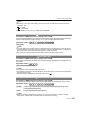
• Operation will be same as [
] even if it is set to [
] while multi film bracket recording (P84).
• Self-timer cannot be set to [
] or [
] in Intelligent auto mode.
VQT1U44
69