1
Uconnect Touch™ 8.4 SYSTEM 43
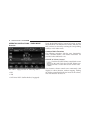
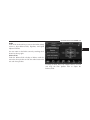
left arrow soft-key to return to the beginning of the
current selection, or return to the beginning of the
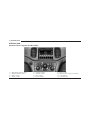
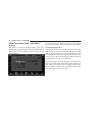
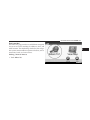
Overview
previous selection if the Bluetooth device is within the
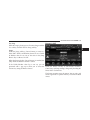
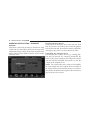
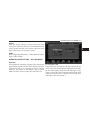
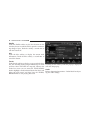
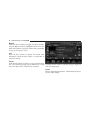
Bluetooth Streaming Audio (BTSA) or Bluetooth Mode is
first second of the current selection.
entered by pairing a Bluetooth device, containing music,
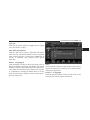
Fast Seek Up
to the Uconnect Touch™ system.
Touch and hold the right arrow soft-key and the
Before proceeding, the Bluetooth device needs to be
Bluetooth device will begin to fast forward through the
paired through Uconnect™ Phone in order to communicurrent track until the soft-key is released.
cate with the Uconnect Touch™ System.
Fast Seek Down
NOTE: See the pairing procedure in the Owner’s
Touch and hold the left arrow soft-key and the Bluetooth
Manual for further details.
device will begin to rewind through the current track
Once the Bluetooth device is paired to the Uconnect until the soft-key is released.
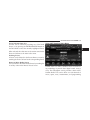
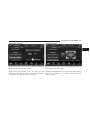
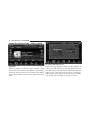
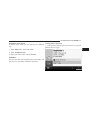
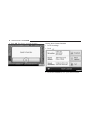
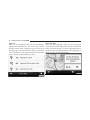
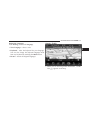
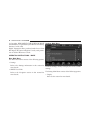
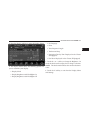
Touch™ System, touch the Player soft-key located on the
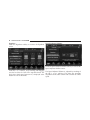
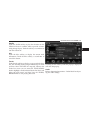
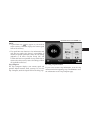
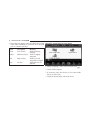
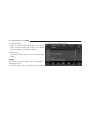
Source
bottom of the display. Once in Player Mode, touch the
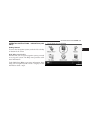
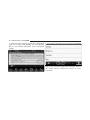
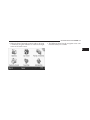
Touch the Source soft-key to select the desired audio
source soft-key and select Bluetooth.
source, Disc, USB/iPod, SD Card, AUX or Bluetooth. This
Seek Up/Down
screen will time out after a few seconds and return to the
Touch and release the right arrow soft-key for the next main radio screen if no selection is made.
selection on the Bluetooth device. Touch and release the
OPERATING INSTRUCTIONS – Bluetooth MODE
2