1
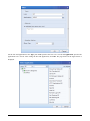
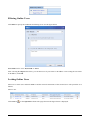
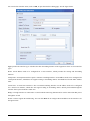
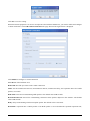
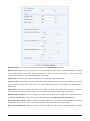
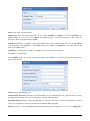
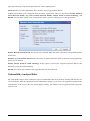
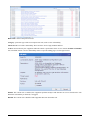
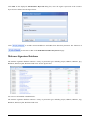
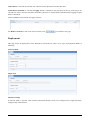
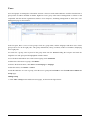
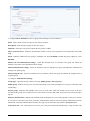
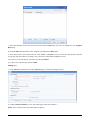
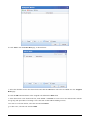
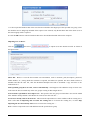
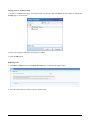
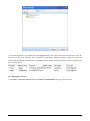
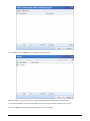
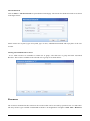
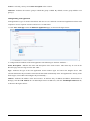
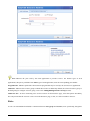
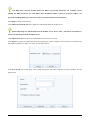
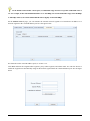
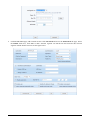
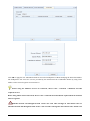
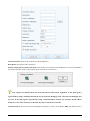
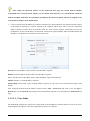
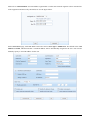
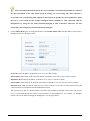
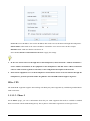
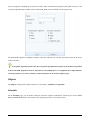
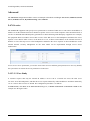
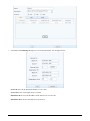
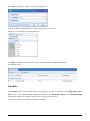
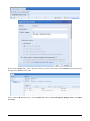
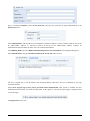
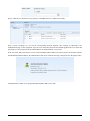
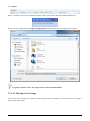
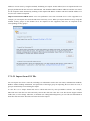
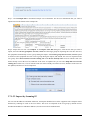
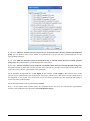
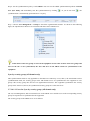
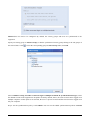
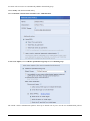
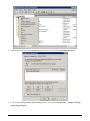
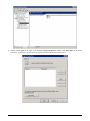
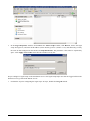
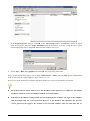
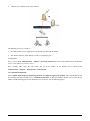
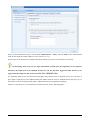
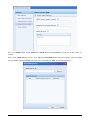
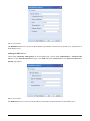
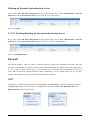
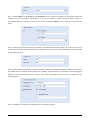
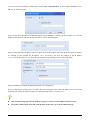
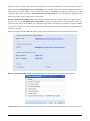
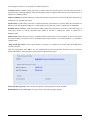
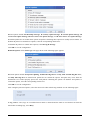
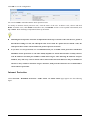
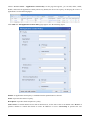
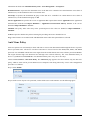
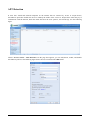
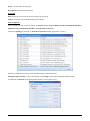
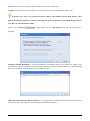
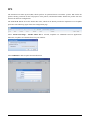
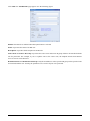
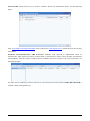
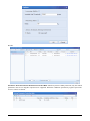
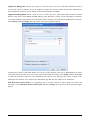
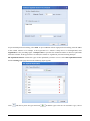
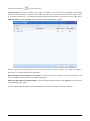
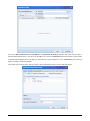
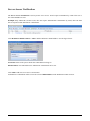
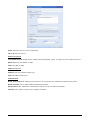
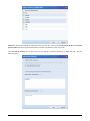
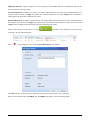
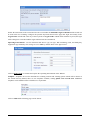
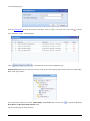
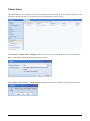
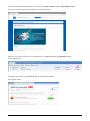
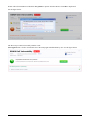
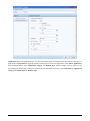
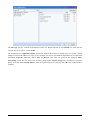
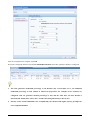
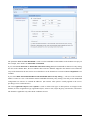
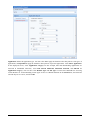
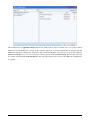
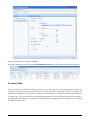
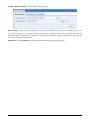
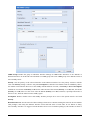
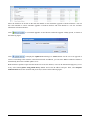
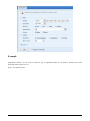
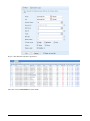
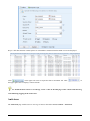
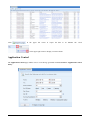
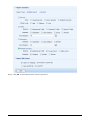
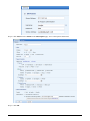
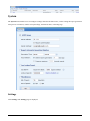
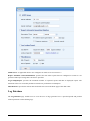
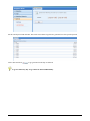
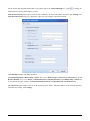
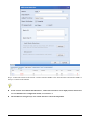
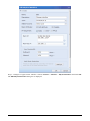
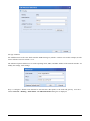
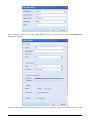
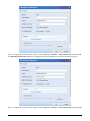
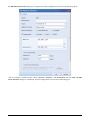
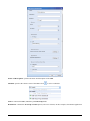
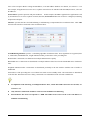
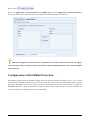
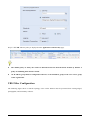
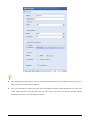
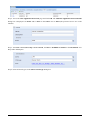
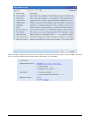
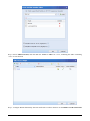
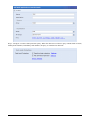
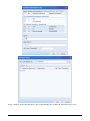
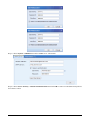
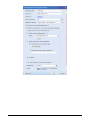
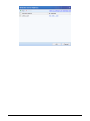
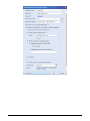
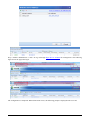
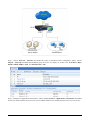
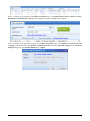
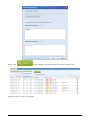
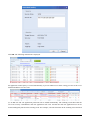
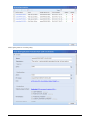
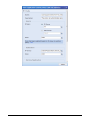
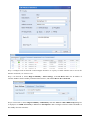
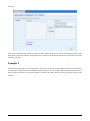
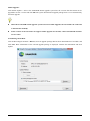
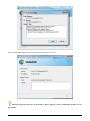
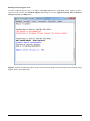
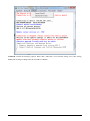
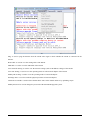
7. In the Logon Properties window, click Add. In the Add a Script window, click Browse, choose the login
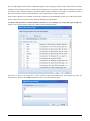
script file logon.exe, and enter the IP address (of the NGAF), port No. (fixed to 1773), and shared key (exactly
the same as that configured on the NGAF) in Script Parameters. The parameter values must be separated by
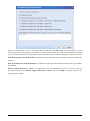
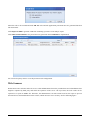
space. Click Apply and then OK. Then close the windows one by one.
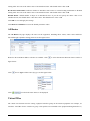
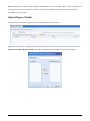
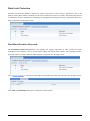
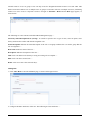
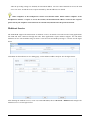
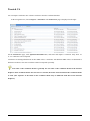
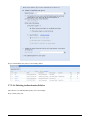
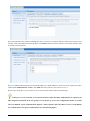
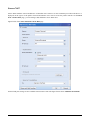
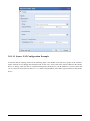
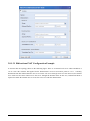
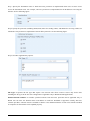
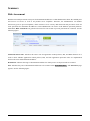
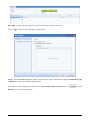
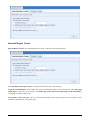
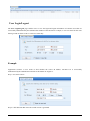
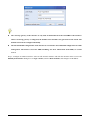
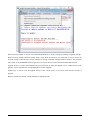
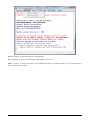
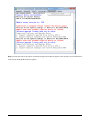
Step 4 Configure a logoff script on the AD domain server. The logoff script helps users that are logged off from the
domain server log off from the NGAF as well.
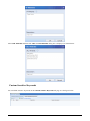
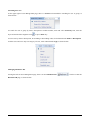
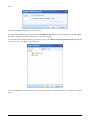
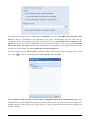
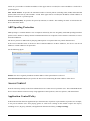
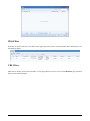
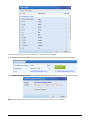
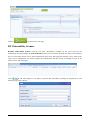
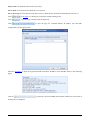
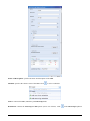
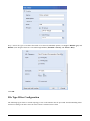
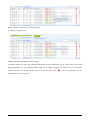
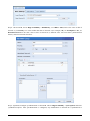
1. Perform the steps for configuring the login script. In step 6, double-click Log off instead.
SANGFOR NGAF 6.4 User Manual
218