1
Fujitsu OPOS 1.13 Configuration and Setup
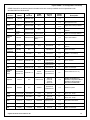
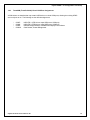
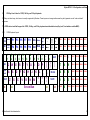
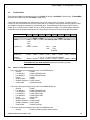
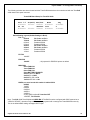
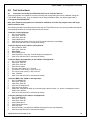
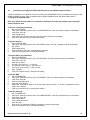
Character Table Selection:
SetSBCS=T (registry parameter)
CharacterSet = value (set in registry or by the application)
Character Set
101
850
858
860
863
865
932
All Others
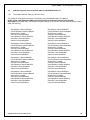
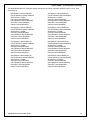
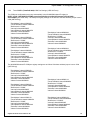
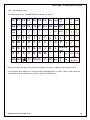
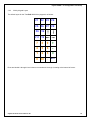
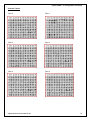
VF60 Table
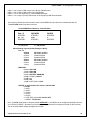
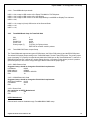
(see tables below)
6
2
19H
3
4
5
7
0
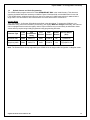
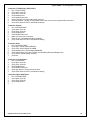
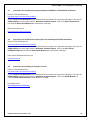
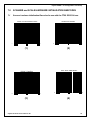
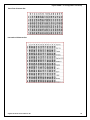
Euro (€) Character Tables 6 or 19H:
The Euro symbol (€) is available in character table 6 or 19H.
Table 6: CharacterSet = 101, SetSBCS = T
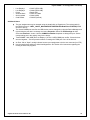
monetary symbols: € = 164, £ = 163, ¥ = 165
Or
Table 19H: CharacterSet = 858 and SetSBCS = T
SetInternational = 0 – 10
monetary symbols: € = 213, £ = 156, ¥ = 190
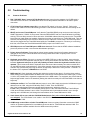
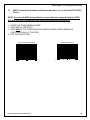
Note: SetSBCS = T required for these selections to be activated.
Fujitsu Frontech North America Inc.
55