1
Managed Switch Manual (UI 2.0)
Featured Functions
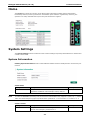
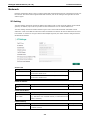
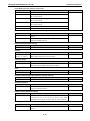
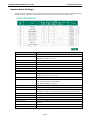
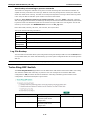
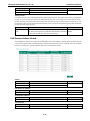
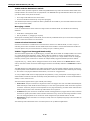
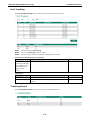
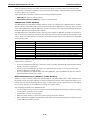
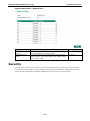
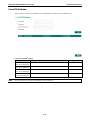
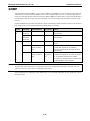
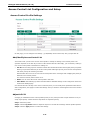
System Up Time
Indicates how long the Moxa switch remained up since the last cold start.
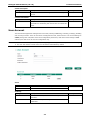
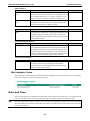
Current Time
Setting
Description
Factory Default
User-specified time
Indicates time in yyyy-mm-dd format.
None
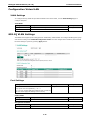
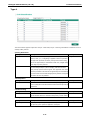
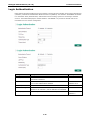
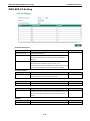
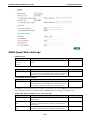
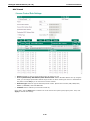
Clock Source
Setting
Description
Factory Default
Local
Configure clock source from local time
Local
NTP
Configure clock source from NTP
SNTP
Configure clock source from SNTP
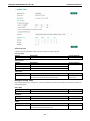
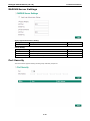
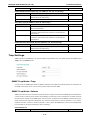
Time Zone
Setting
Description
Factory Default
Time zone
Specifies the time zone, which is used to determine the local
GMT (Greenwich
time offset from GMT (Greenwich Mean Time).
Mean Time)
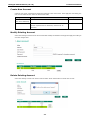
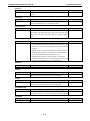
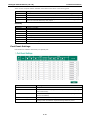
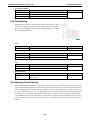
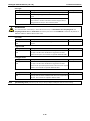
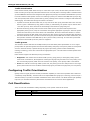
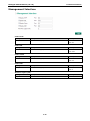
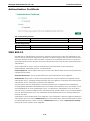
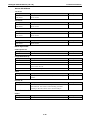
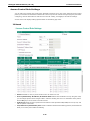
Daylight Saving Time
The Daylight Saving Time settings are used to automatically set the Moxa switch’s time forward according to
national standards.
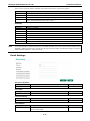
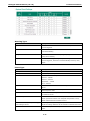
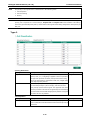
Start Date
Setting
Description
Factory Default
User-specified date
Specifies the date that Daylight Saving Time begins.
None
Setting
Description
Factory Default
User-specified date
Specifies the date that Daylight Saving Time ends.
None
End Date
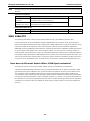
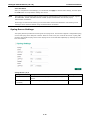
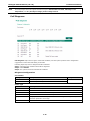
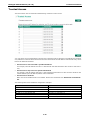
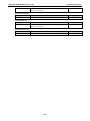
Offset
Setting
Description
Factory Default
User-specified hour
Specifies the number of hours that the time should be set
None
forward during Daylight Saving Time.
3-7