1
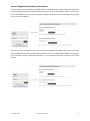
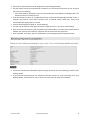
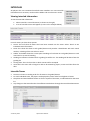
Click on the submit button to finalise your request You will then be sent a confirmation email (example below) with a link that needs to be clicked to activate your account – You must click on this link to complete your registration Follow the instructions in the confirmation email by selecting the link to activate the account (Please contact Squash NZ if you do not receive the confirmation email within 30 minutes) You will see a confirmation screen like the one below Logging in to iSquash Visit www.isquash.co.nz Enter your username and password into the boxes indicated Once you have entered your information, click on the Login button If you choose to tick the Remember Me box, your computer will automatically log you into the site without you needing to enter your login information every time you enter the site 4 February 2015 iSquash User Manual 5