1
2-36 Getting Started
Pull-down menus
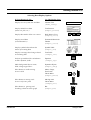
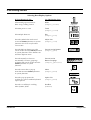
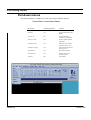
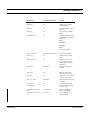
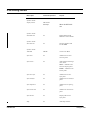
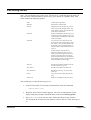
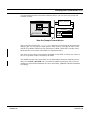
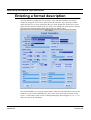
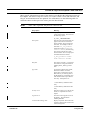
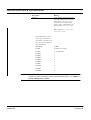
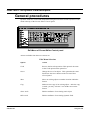
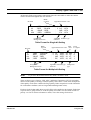
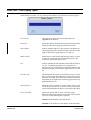
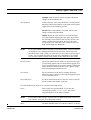
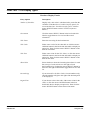
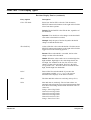
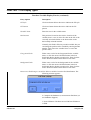
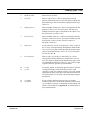
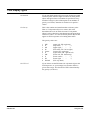
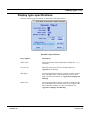
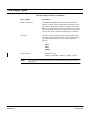
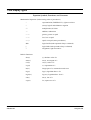
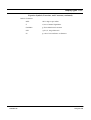
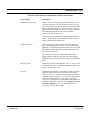
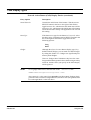
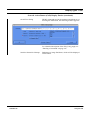
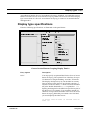
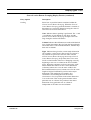
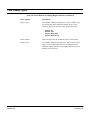
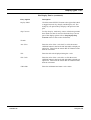
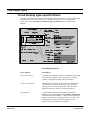
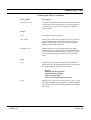
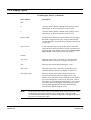
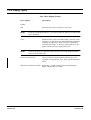
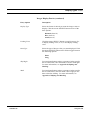
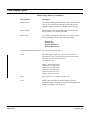
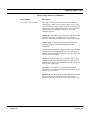
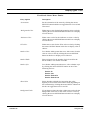
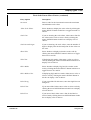
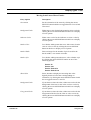
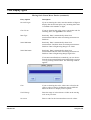
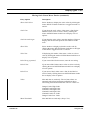
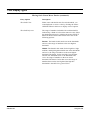
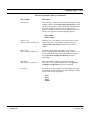
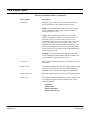
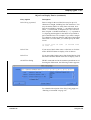
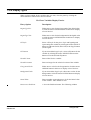
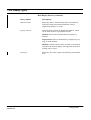
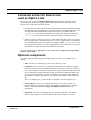
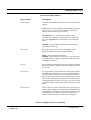
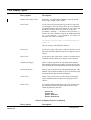
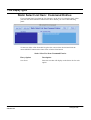
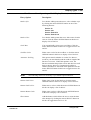
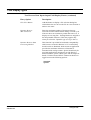
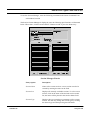
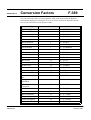
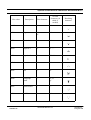
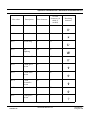
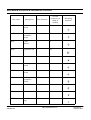
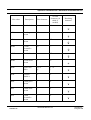
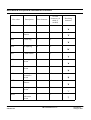
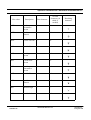
The following table is a summary of each of the menus and their options.
Format Editor Control Panel Menus
FWDU
ROVSING A/S
Menu option
Command equivalent
Purpose
File-Open
NA
Edit an existing format.
File-Save
NA
Save the format EI to the
MDB.
File-Save As
NA
Save the format as
another EI in the MDB.
File-Insert File
NA
Insert a format from the
filesystem.
File-Import Fmt
NA
Import an entire format
into the Drawing Area.
File-Import Image
NA
Import an image into the
Drawing Area.
File-Dismiss
NA
Exit current format.
File-Attributes
NA
Display the Format
Attributes panel.
File-Exit
quit
Exit FWDU.
UM-114-002-ROV Issue 2.2
User Manual
15 August 1999