1
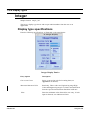
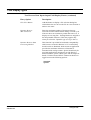
7-254 Display Types
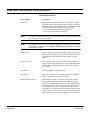
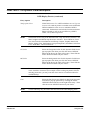
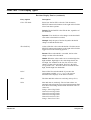
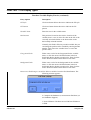
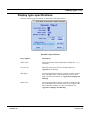
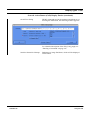
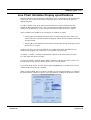
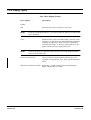
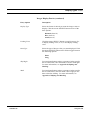
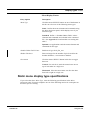
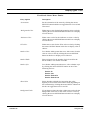
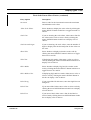
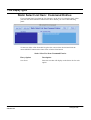
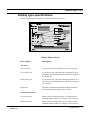
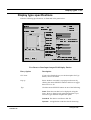
General Action Button Grouping Display Entries (continued)
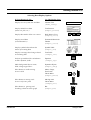
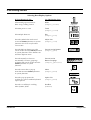
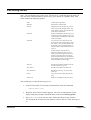
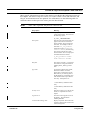
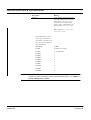
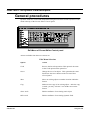
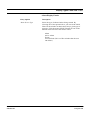
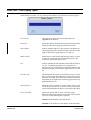
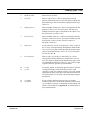
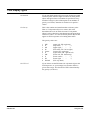
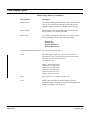
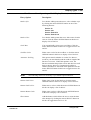
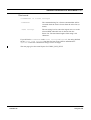
Entry Option
Description
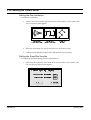
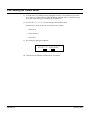
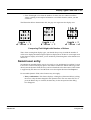
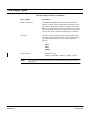
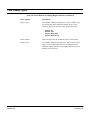
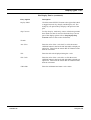
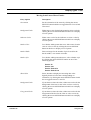
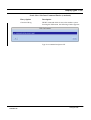
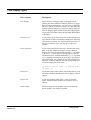
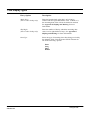
Border Style
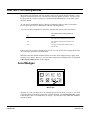
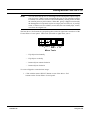
For a border width greater than zero, select a border style
by clicking the mouse SELECT button on one of the
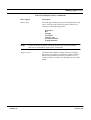
following buttons in the box to the right of this label:
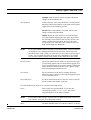
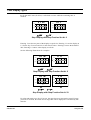
Shadow In
Shadow Out
Shadow Etched In
Shadow Etched Out
FWDU
ROVSING A/S
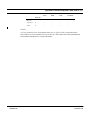
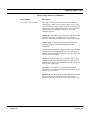
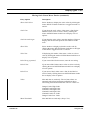
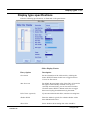
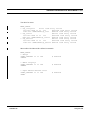
Border Width
Enter an integer for the width (in pixels) of the border.
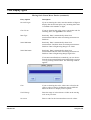
Border Color
For a border width greater than zero, either enter a border
color, or select the border color by clicking the mouse
OPTION button in the box to the right of Border Color to
display a list of choices.
UM-114-002-ROV Issue 2.2
User Manual
15 August 1999