1
GE HEALTHCARE
DIRECTION 5314293-100, REVISION 14
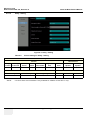
4-5-4
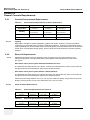
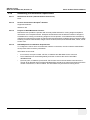
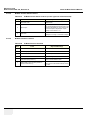
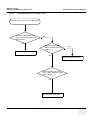
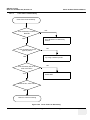
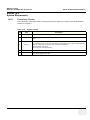
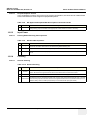
Slave USB Port checks
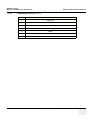
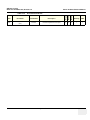
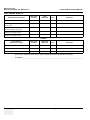
Table 4-33
Step
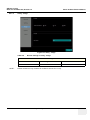
4-5-5
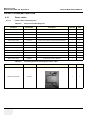
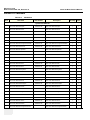
Slave USB port Checks
Task to do
1.
Switch the USB switch to miniB USB port
2.
Connect PC to the miniB USB port using a
USB cable.
3.
Check the PC can identify system data
Expected Result(s)
PC can identify data from system
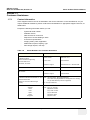
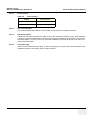
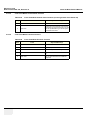
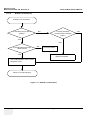
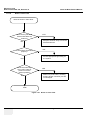
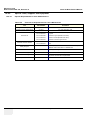
Wireless Network Card checks
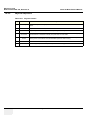
Table 4-34
Step
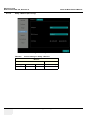
4-5-6
VENUE 40 BASIC SERVICE MANUAL
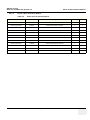
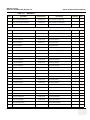
Wireless Network Card Checks
Task to do
1.
Connect the wireless network card to the
standard USB port
2.
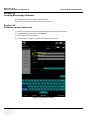
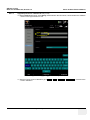
Configure or scan the wireless network in
Patient - Utility- Connectivity
3.
Connect to the desired wireless network
Expected Result(s)
The wireless network status icon will display as “connected” or
“connecting” on the screen.
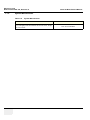
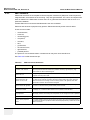
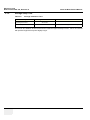
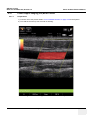
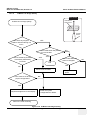
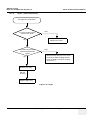
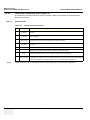
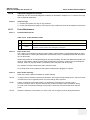
Footswitch checks (only for R3.x.x)
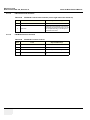
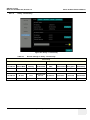
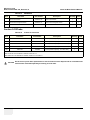
Table 4-35
Wireless Network Card Checks
Step
Task to do
1.
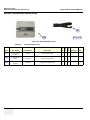
Connect the footswitch to the standard USB
port
2.
Configure footswitch in Patient - UtilitySettings
3.
Press the configured pedal of the footswitch The system will response as the configured function for the footswitch.
Chapter 4 Functional Checks
Expected Result(s)
4-19