1
PNP/1110 Starter Kit – First Steps
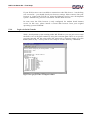
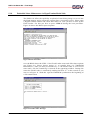
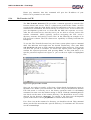
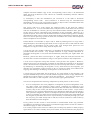
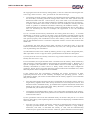
After you have chosen the transmission method Minicom opens a new window.
Now select the desired file (rimage.gz or zimage) and start the transmission.
Figure 37: Transmission file Select
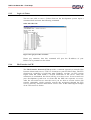
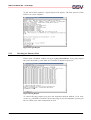
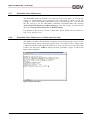
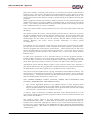
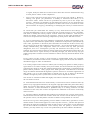
During the download you will see a progress bar that indicates the transmission
status. Please wait absolutely until the file transmission ends and avoid every
interruption. In case of an interruption or failure the PNP/1110 would not contain
any bootable system and you have to repeat the transmission procedure.
Figure 38: Transmission Status
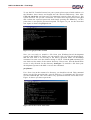
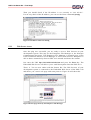
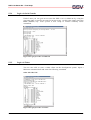
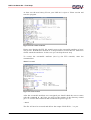
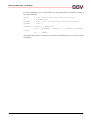
After a successful transmission the FLASH Loader returns into the menu and
continues with sending the letter "C". To reboot the PNP/1110 with the new
kernel and/or root filesystem choose option "3" (REBOOT) from the Flash Loader
menu. After this, the PNP/1110 restarts with the new kernel and/or root
filesystem.
S S V EM BEDDED S YS TEM S
34