1
BROADCASTING SIGNAL ANALYZER
Broadcasting Signal Analyzer
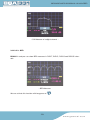
3.3.3.2.2.4.3.- MPEG
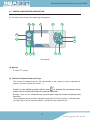
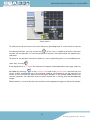
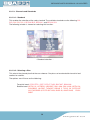
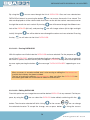
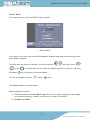
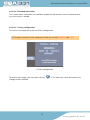
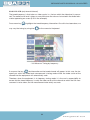
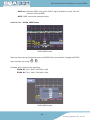
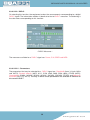
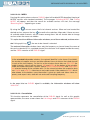
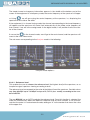
Pressing this option when we have a DVB-S2 signal will enable MPEG decoding (viewing of
MPEG2 services with standard resolution). The messages “Initiating MPEG”, and “Tuning
MPEG” will appear, and then the search for available services will start, the message
“Searching Serv...” appearing on screen
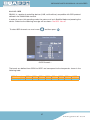
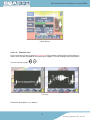
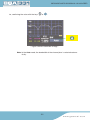
By using the
we can access the list of channel services. When we have located the
desired service, we press the key
to confirm the selection. Afterwards, if there are several available audio channels, we can choose among them. We will also be able to change
services when the menus are hidden.
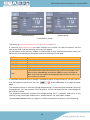
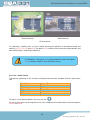
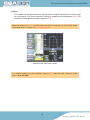
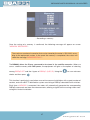
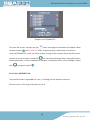
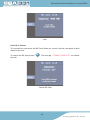
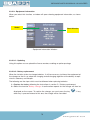
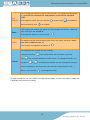
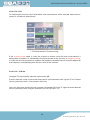
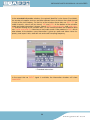
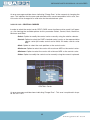
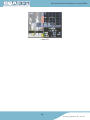
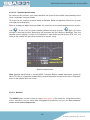
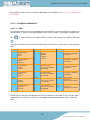
This option has three different information windows, one of them reduced, and two extended. Using quick key
, the one to be viewed is selected.
The reduced information window shows only the frequency or channel tuned, the name of
the service selected (if it is a garbled channel, the character # will appear beside the name),
and the CBER measure of the DVB-S2 signal.
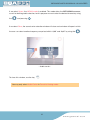
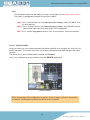
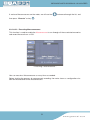
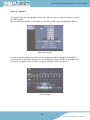
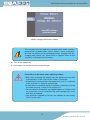
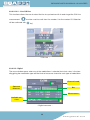
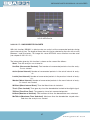
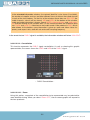
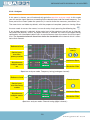
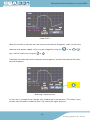
In the extended information windows, the network identifier is also shown (if available),
the number of supplier services and other different items of data on the tuned channel
in each of the two windows. On the first of the windows these data are: SID, VPID (for
audio channels, value 0 will be shown), NID and APID. At the bottom of the window,
audio and video information is shown: type of MPEG, video resolution, and audio channel selected among all the available ones. On the second window, the respective data
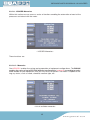
are: Profile and Level ID, video format and audio mode. If the service is MHP, this is
also shown. At the bottom, more information is given on audio and video: frame frequency and aspect ratio, audio bit rate and audio sampling frequency.
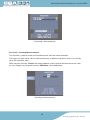
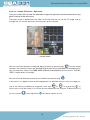
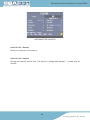
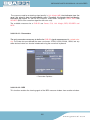
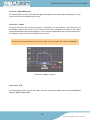
In the event that no DVB-S2 signal is available, the information windows will show
“UNLOCK”.
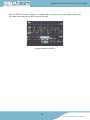
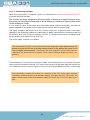
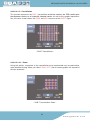
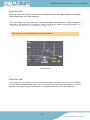
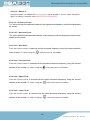
3.3.3.2.2.4.4.- Constellation
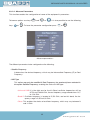
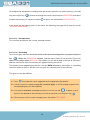
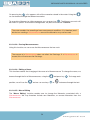
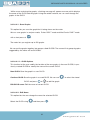
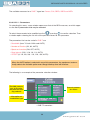
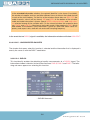
This function represents the constellation of the DVB-S2 signal. As well as this graphic
representation, the same screen shows the Link Margin and MER measures of the DVB-S2
signal.
106
w w w. g s e r t e l . c o m