1
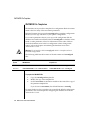
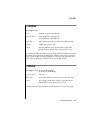
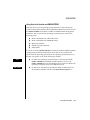
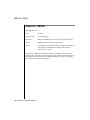
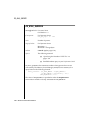
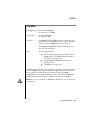
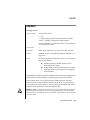
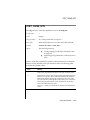
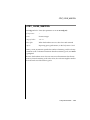
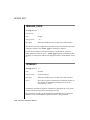
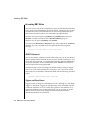
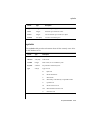
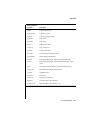
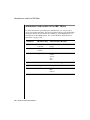
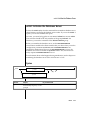
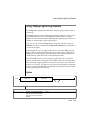
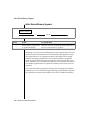
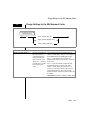
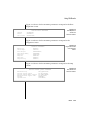
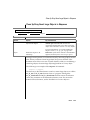
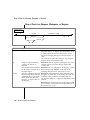
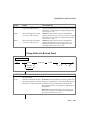
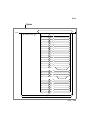
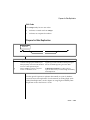
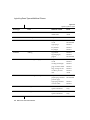
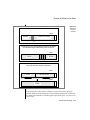
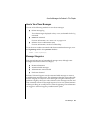
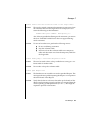
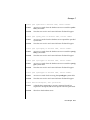
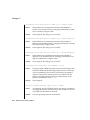
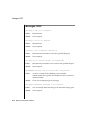
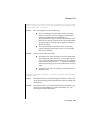
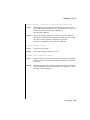
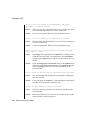
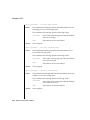
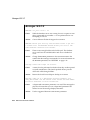
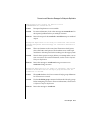
Switch the Logical-Log File
Switch the Logical-Log File
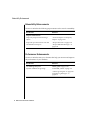
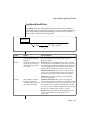
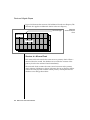
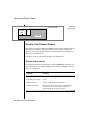
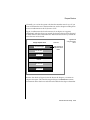
Switch the LogicalLog File
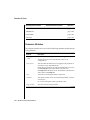
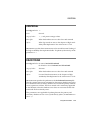
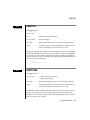
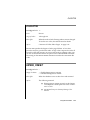
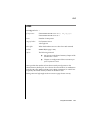
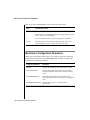
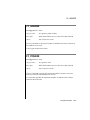
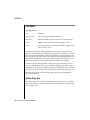
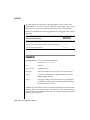
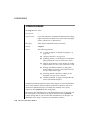
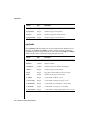
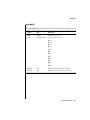
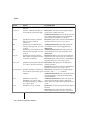
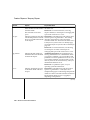
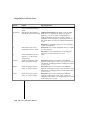
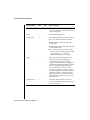
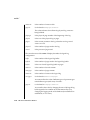
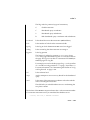
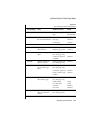
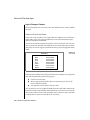
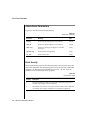
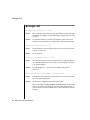
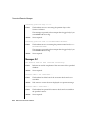
-l
Element
-l
Purpose
Switches the current
logical-log file to the
next logical-log file
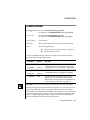
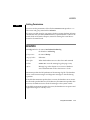
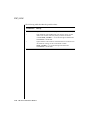
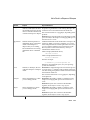
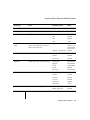
Key Considerations
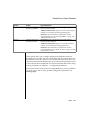
Additional Information: You must use onmode to switch to the
next logical-log file.
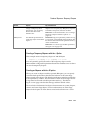
References: For information on switching to the next logical-log
file, see the chapter on managing logical-log files in the Administrator’s Guide.
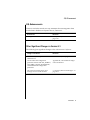
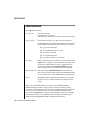
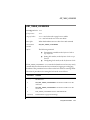
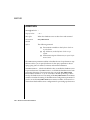
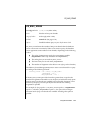
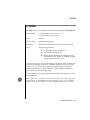
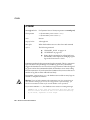
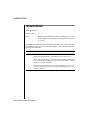
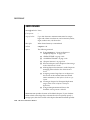
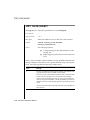
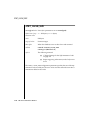
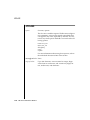
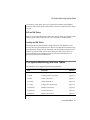
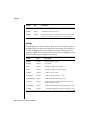
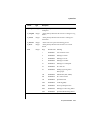
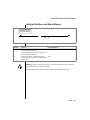
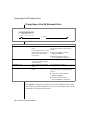
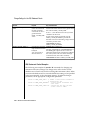
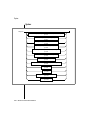
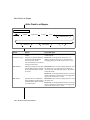
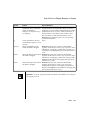
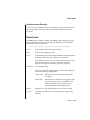
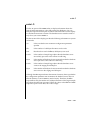
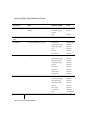
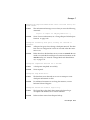
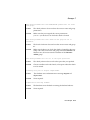
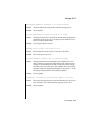
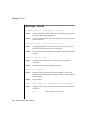
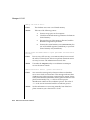
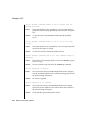
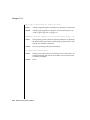
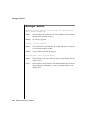
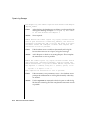
Kill a Database Server Session
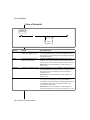
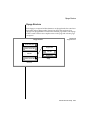
Kill a Database
Server Session
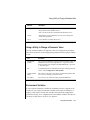
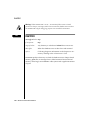
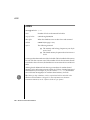
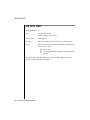
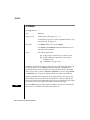
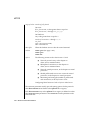
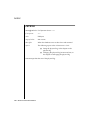
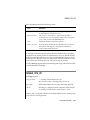
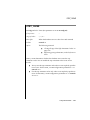
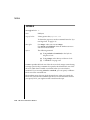
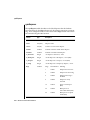
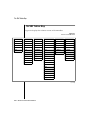
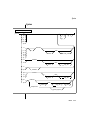
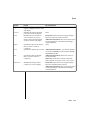
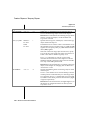
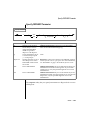
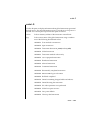
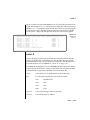
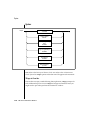
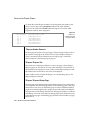
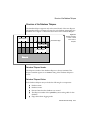
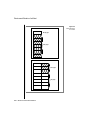
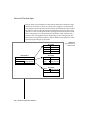
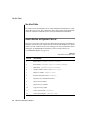
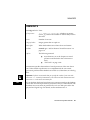
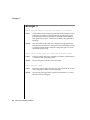
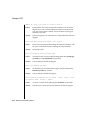
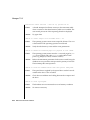
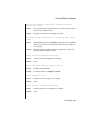
-z sid
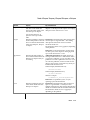
Element
-z sid
Purpose
Kills the session that
you specify in sid
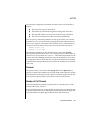
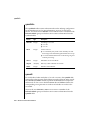
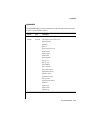
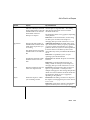
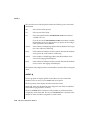
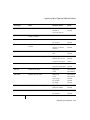
Key Considerations
Restrictions: This value must be an unsigned integer greater than
0 and must be the session identification number of a currently
running session.
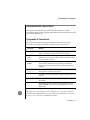
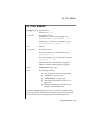
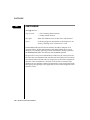
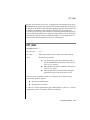
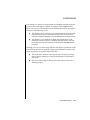
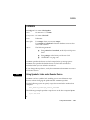
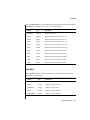
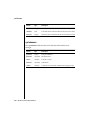
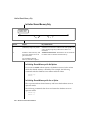
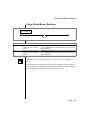
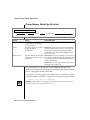
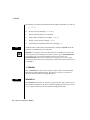
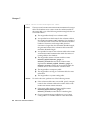
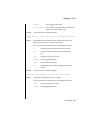
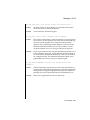
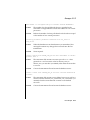
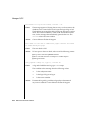
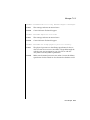
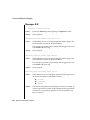
To use the -z option, first obtain the session identification (sessid) with
onstat -u, then execute onmode -z, substituting the session identification
number for sid.
3-46
IBM Informix Administrator’s Reference