1
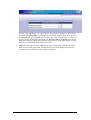
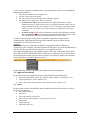
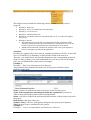
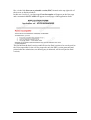
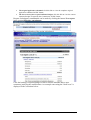
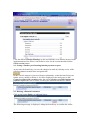
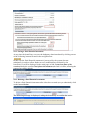
If the action is confirmed, the system will definitively delete the request and the link
Created on (date of the creation) under the section Budgetary amendments
disappears.
8.3. Submitting completed budget modification requests
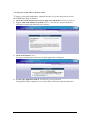
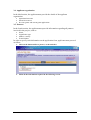
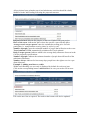
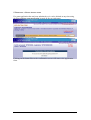
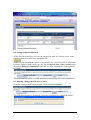
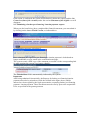
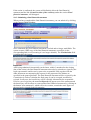
When you have completed the budget modification request, you can submit the
request clicking on the button Finish Version, located at the top right side of the
budget screen:
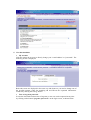
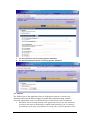
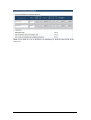
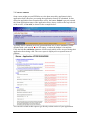
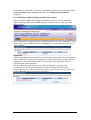
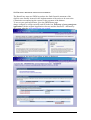
Once submitted the request cannot be modified anymore, but only consulted; to do so,
click on the corresponding link (that is highlighted in red, meaning the request is no
longer editable):
Important:
After being submitted electronically, the new budget estimate must also be printed out
and be annexed to a request letter signed by the legal representative of the applicant
organisation. These documents must be sent by post to the responsible Unit, as
specified in the grant agreement.
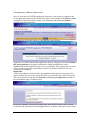
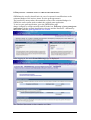
The amendment request can then be accepted, modified or rejected by the
Commission. In all cases, the beneficiary will be officially informed by the
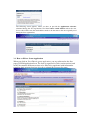
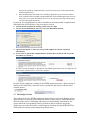
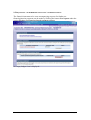
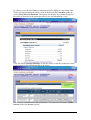
Responsible Service of the results of its request, by post. In the case of rejection, the
mention Rejected will appear next to the request:
SWIM: End User Manual
Page 25