1
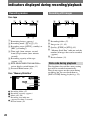
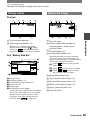
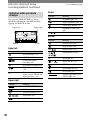
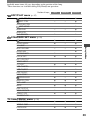
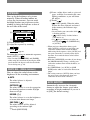
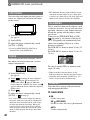
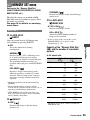
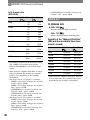
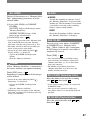
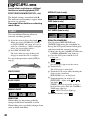
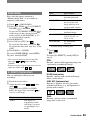
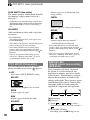
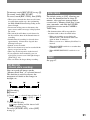
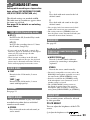
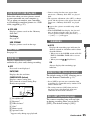
Indicators displayed during recording/playback (continued) Indicators when you made changes ( ) is a reference page. Center Indicator NightShot plus (24) You can use [DISP GUIDE] (p. 16) to check the function of each indicator that appears on the LCD screen. Upper left Meaning Super NightShot plus (43) Color Slow Shutter (43) Upper right PictBridge connecting (67) Warning (100) Bottom Indicator Bottom Picture effect (50) Center Digital effect (49) Upper left Indicator Meaning Manual focus (42) Meaning PROGRAM AE (40) EXT SUR MIC (53) AUDIO MODE (53) Continuous photo recording (45) White balance (41) WIDE select (19) Interval photo recording (51) SteadyShot off (44) This indicator appears when you use video flash light (optional). (42) Flexible spot meter (40)/ EXPOSURE (41) Meaning A/VDV OUT (54) DV input (61) Zero set memory (32) Slide show (49) LCD backlight off (15) 30 Backlight (25) Self-timer recording (43) Upper right Indicator Tele macro (42)