1
iGolf Neo Sync
User Manual
User Manual
Create/Edit
iGolf Neo Sync
Settings
Create/Edit
Settings
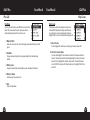
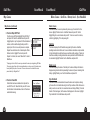
This feature provides direct access to iGolf.com where members may create and edit
golf course files. Select “Create/Edit” and login to access account. If not yet an iGolf.com
member, use the “Join Now” link to enroll. For further assistance, please note:
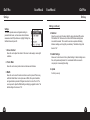
This feature allows the user to specify how the device communicates with a computer
and where course files are stored. Select “Settings” from Main Menu. For further
assistance, please note:
1.
2.
This feature only allows general text entry, including names and
abbreviations.
When completed, file must be saved to green iGolf folder on the desktop.
1.
2.
3.
4.
24
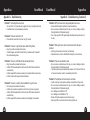
Always set COM to “AUTO” unless specific port being used is known.
Software does not support higher than COM9.
Default course file storage location is C:\iGolf. If the setting must be
changed, note new location and save downloads from iGolf.com in same
folder.
Default setting is all files from device replace files of the same name stored
on computer. If changed to “No”, modified files on device will not replace
files of the same name on computer.
Default course file backup location is C:\iGolf\Backup. If the setting must
be changed, note new location.
25