1
Reports
Regular Reports
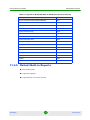
To create a report variable:
1
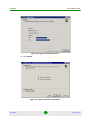
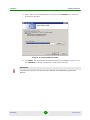
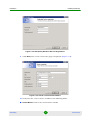
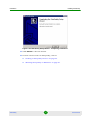
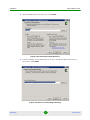
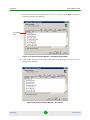
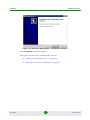
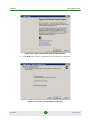
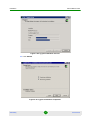
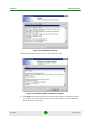
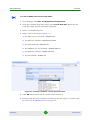
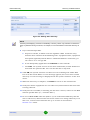
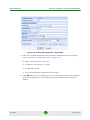
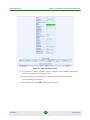
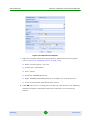
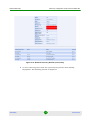
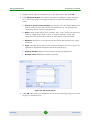
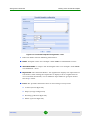
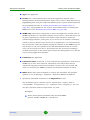
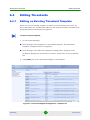
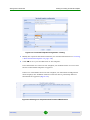
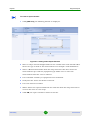
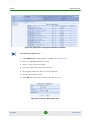
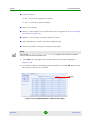
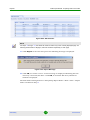
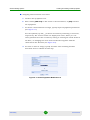
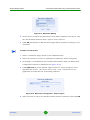
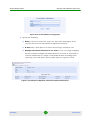
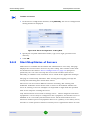
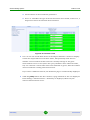
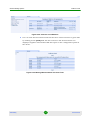
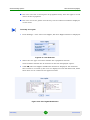
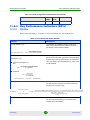
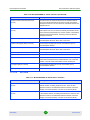
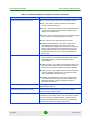
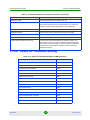
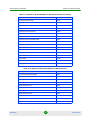
Click [add new]; the following window is displayed:
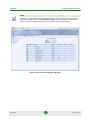
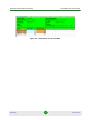
Figure 8-2: Adding a New Report Variable
2
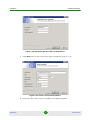
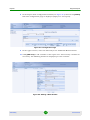
Enter a unique and meaningful name for the variable. The name should reflect
the device type as well as the measurement. For example: “TDD Utilization”.
3
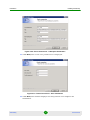
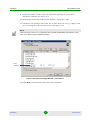
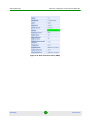
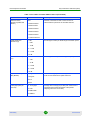
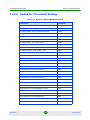
Select a Measurement Name from the drop-down list. The list is based on
measurements per collector/equipment type. Make sure to select the
measurement from the correct collector.
4
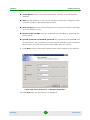
Leave Detailed summary at equipment level unchecked.
5
Verify that the Active check-box is selected.
6
Leave the interval of 15min.
7
When: Select the required timeframe for collection from the drop-down menu
or leave the value as “non stop”.
8
StarQuality
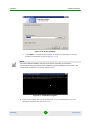
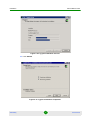
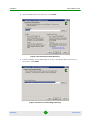
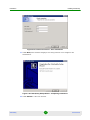
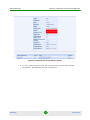
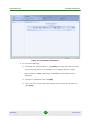
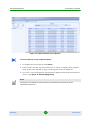
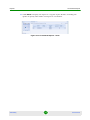
Click OK; the report variable is added to the list.
197
User Manual