1
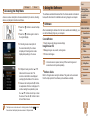
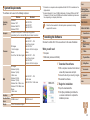
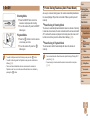
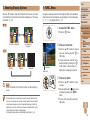
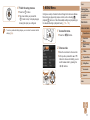
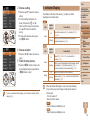
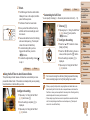
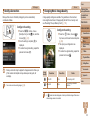
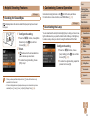
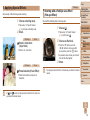
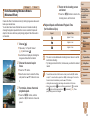
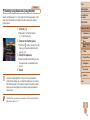
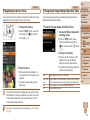
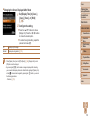
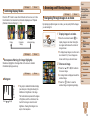
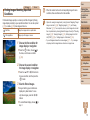
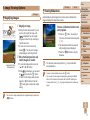
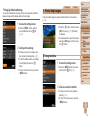
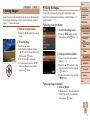
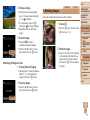
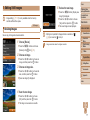
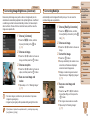
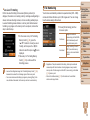
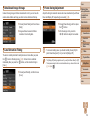
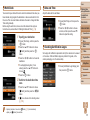
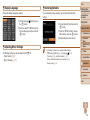
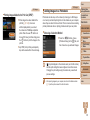
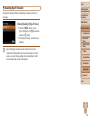
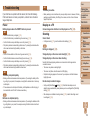
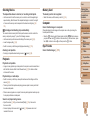
Cover Still Images Shooting with a Toy Camera Effect (Toy Camera Effect) Still Images Shooting in Monochrome Shoot images in black and white, sepia, or blue and white. This effect makes images resemble shots from a toy camera by vignetting (darker, blurred image corners) and changing the overall color. Follow step 1 in “Specific Scenes” (= 46) and choose [ Follow step 1 in “Specific Scenes” Press the <p> button, press the 2 Choose a color tone. <q><r> buttons to choose a color tone, and then press the <m> button. A preview is shown of how your shot will look with the effect applied. Press the <p> button, press the <q><r> buttons to choose a color tone, and then press the <m> button. A preview is shown of how your shot will look with the effect applied. 3 Shoot. Standard Warm Cool Shots resemble toy camera images. Images have a warmer tone than with [Standard]. Images have a cooler tone than with [Standard]. ]. 2 Choose a color tone. ]. 3 Shoot. B/W Sepia Blue Black and white shots. Sepia tone shots. Blue and white shots. Preliminary Notes and Legal Information Contents: Basic Operations Basic Guide 1 Choose [ ]. 1 Choose [ ]. (= 46) and choose [ Movies Advanced Guide 1 2 3 4 5 6 7 8 Camera Basics Smart Auto Mode Other Shooting Modes P Mode Playback Mode Setting Menu Accessories Appendix Index • Try taking some test shots first, to make sure you obtain the desired results. 50