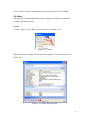
1
7. Server View
Server View lets you to add, delete and modify items and allows you to monitor the
health of an item, maintain policies and events, flash node firmware, import/export
hierarchies, show/unsubscribe event handlers, register predefined events, manage the
configuration of the server and query logs. From this view you can easily and
efficiently manage your servers. This view is also presented in a tree type format
allowing you to view and arrange the hierarchy and relationships between items.
There are three methods of initiating the functions in this view:
Method 1:
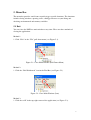
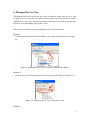
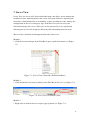
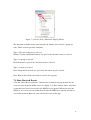
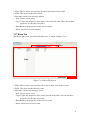
1. Click the inverted triangle in the Tool Bar to open a pull-down menu (see Figure
7-1).
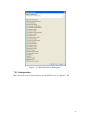
Figure 7-1: Server View’s Functions (Pull-Down Menu)
Method 2:
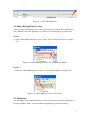
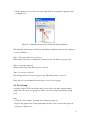
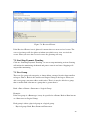
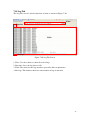
1. Click the function you want to initiate in the Tool Bar of the view (see Figure 7-2).
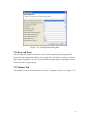
Figure 7-2: Server View’s Functions (Icon)
Method 3:
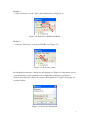
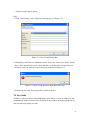
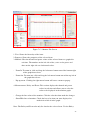
1. Right click an item in the tree to open a pop-up menu (see Figure 7-3).
18