1
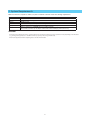
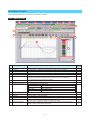
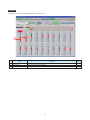
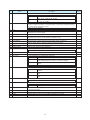
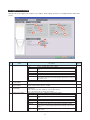
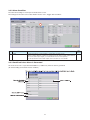
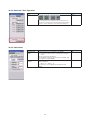
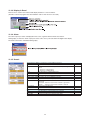
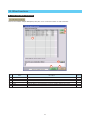
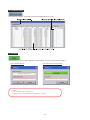
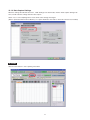
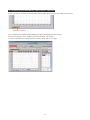
10-3-3 Reset the Y Axis Operation
Item
Description
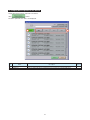
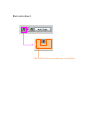
Reset
Operable behavior
F, C, R
After using these icons to expand, shrink, or move the Y axis,
click "Reset" to change back to the state before performing the
operation. Select a channel to reset, and then click this key.
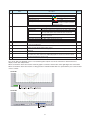
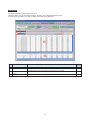
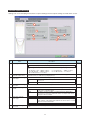
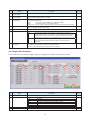
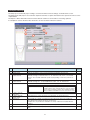
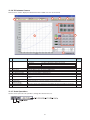
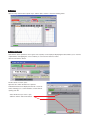
10-3-4 Calculation
Item
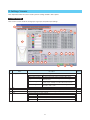
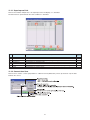
Calculation CH
On/Off
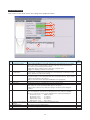
Calculation
Formula
Description
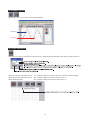
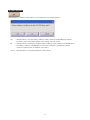
Use these buttons to set calculations 1-4 to On/Off.
On : Calculation results are shown as waveforms and digital
values.
Off : Do not perform calculations.
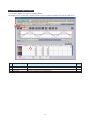
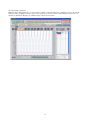
The calculation results are only shown in Y-T display, and
do not affect the captured data.
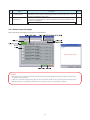
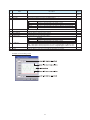
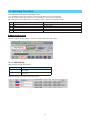
Use this button to set the variable for a linear expression
between channels.
A • ・CH X ∗ B • ・CH Y + C
The expression you set appears at the bottom of this
window.
40
Operable behavior
F, R
F, R