1
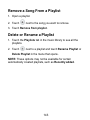
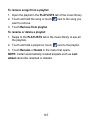
Remove a Song From a Playlist
1. Open a playlist.
2. Touch
next to the song you want to remove.
3. Touch Remove from playlist.
Delete or Rename a Playlist
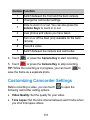
1. Touch the Playlists tab in the music library to see all the
playlists.
2. Touch
next to a playlist and touch Rename Playlist or
Delete Playlist in the menu that opens.
NOTE: These options may not be available for certain
automatically created playlists, such as Recently added.
143