1
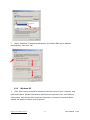
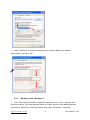
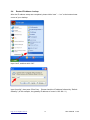
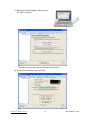
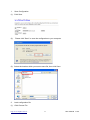
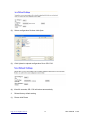
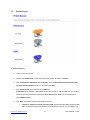
7.3 Printer Server To add an LPR port 1. Open Printers and Faxes. 2. Double-click Add Printer to open the Add Printer Wizard, and then click Next. 3. Click Local printer attached to this computer, clear the Automatically detect and install my Plug and Play printer check box, and then click Next. 4. Click Create a new port, and then click LPR Port. If LPR Port is not available, click Cancel to stop the wizard. To add the LPR port, you need to install the optional networking component, Print Services for Unix. For more information, click Related Topics. 5. Click Next, and then provide the following information: In Name or address of server providing LPD, type the Domain Name System (DNS) name or Internet Protocol (IP) address of the host for the printer you are adding. The http://www.sapido.com.tw/ 87 User Manual v1.0.0