1
WinXP Driver Installation
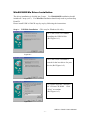
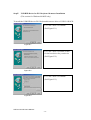
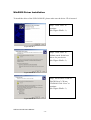
To install the USB to serial port driver of the USB 2.0 DOCK, please make sure the driver
diskette/CD is inserted:
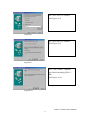
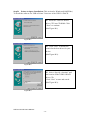
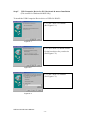
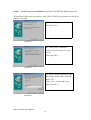
Step1. Click “Next” to
continue
(Ref Figure WinXP-1)
Figure WinXP-1
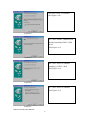
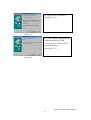
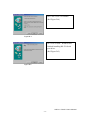
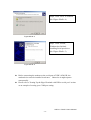
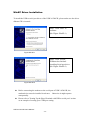
Step2. Click “Finish”,
Windows has finished
installing Serial port driver.
(Ref Figure WinXP-2)
Figure WinXP-2
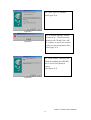
Before connecting the modem on the serial port of USB 2.0 DOCK, the
modem driver must be installed in advance. Otherwise it might operate
unexpectedly.
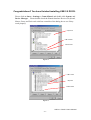
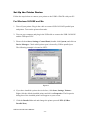
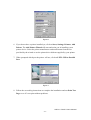
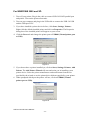
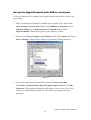
Please refer to "Setting Up the HyperTerminal with USB to serial port" section
as an example of routing your COM port setting.
USB 2.0 DOCK User’s Manual
- 20 -