1
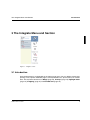
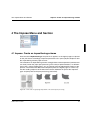
The Assemble Menu and Section
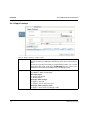
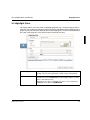
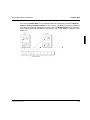
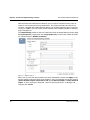
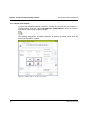
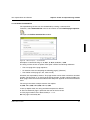
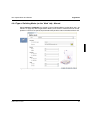
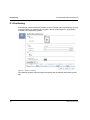
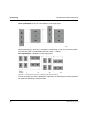
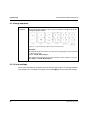
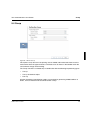
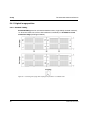
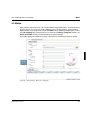
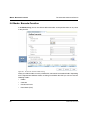
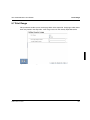
Job offset & trays
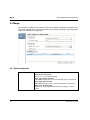
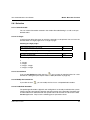
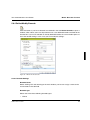
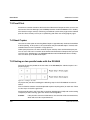
Functions of the window
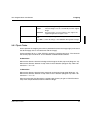
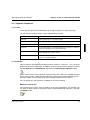
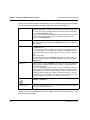
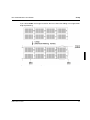
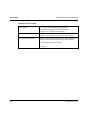
’Use settings form input file’
The setting are taken from the input file. No further settings are possible
in this window.
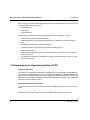
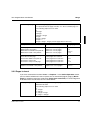
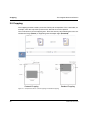
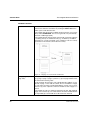
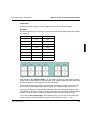
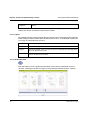
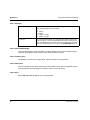
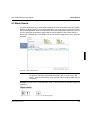
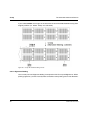
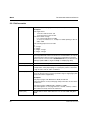
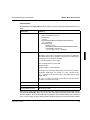
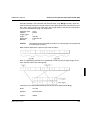
’Sheets’
In this input field you specify sheets for which a specific input tray is to be
selected. A valid entry can consist of individual sheets and ranges.
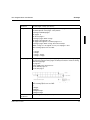
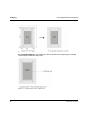
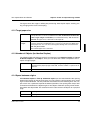
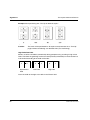
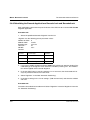
- Individual sheets (e.g., sheets 1, 20 and the last sheet - Pattern: 1,20,n)
- Ranges (e.g., all sheets - Pattern: 1-n)
- Range with interval increments (e.g., each 3rd sheet - Pattern 1-n:3)
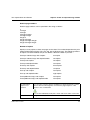
The following expressions are valid:
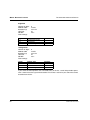
n
n - integer
n / integer
n / integer - integer
n / integer + integer
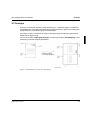
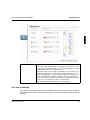
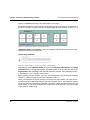
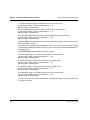
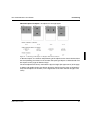
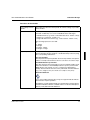
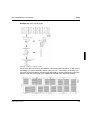
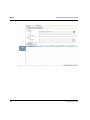
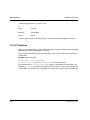
’Input tray/media’
Here you select the paper feed tray or the preferred print media. You define the desired mode (tray numbers or media based tray selection) using
the corresponding radio buttons.
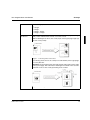
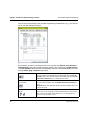
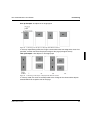
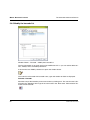
Use Tray numbers
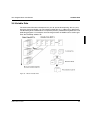
The drop down list ’Input tray/media’ shows the tray number of the printer
which is currently selected in the PJM. You can select one of these trays.
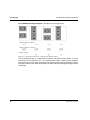
Use Media based Tray selection
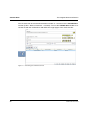
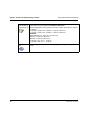
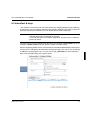
The drop down list ’Input tray/media’ now shows all printer medias available in the database of the PRISMAproduction system. (see the PRISMAproduction user manual on how to configure user defined print
media). The list indicates the name of the print media. All other attributes
(e.g. color, weight or size) are shown as a tooltip for every entry.
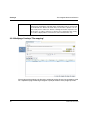
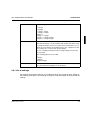
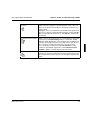
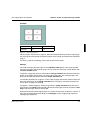
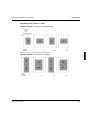
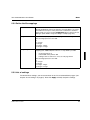
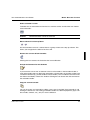
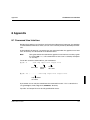
Read from database
If you open a PDC parameter file (*.imp), the original media list will also
be restored for ’Input tray/media’.
Reading the currently defined media from the database using the button
’Read from database’ deletes outdated entries from the list and replaces
them by newly defined media definitions.
A29247-X21-X-6-7670
73