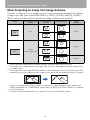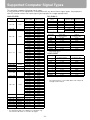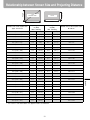
1
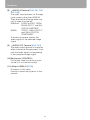
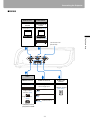
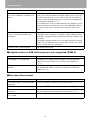
Relationship between Aspect and Screen Aspect
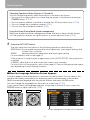
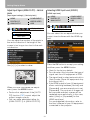
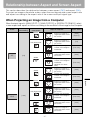
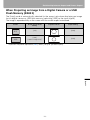
When Projecting an Image from a Digital Camera or a USB
Flash Memory (SX80 II)
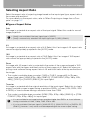
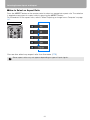
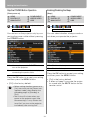
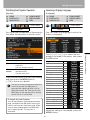
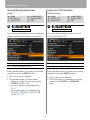
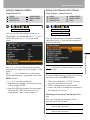
The [Auto] mode is automatically selected for the aspect ratio when displaying an image
from a digital camera or USB flash memory (selecting [USB] as the input signal).
The image is expanded fully on the screen with the screen aspect maintained.
*
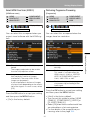
Screen
Screen Aspect Ratio
Setting
4:3
[4:3]
[Auto]
16:9
[16:9]
[16:9 D. image shift]*
[Auto]
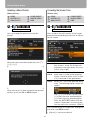
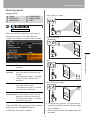
Projection Result
Aspect Setting
To perform keystone adjustment (P60), select [16:9] for [Screen aspect].
Appendix
149