1
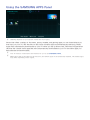
Using the Samsung Smart Control
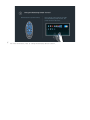
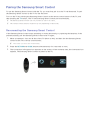
Pair the Samsung Smart Control to the TV the first time by pressing the Power button on the Samsung
Smart Control. To pair again - if necessary - press the RETURN and GUIDE buttons simultaneously for
3 seconds or more.
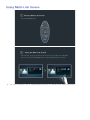
Pairing with the TV
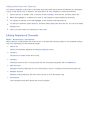
To pair again, press RETURN and GUIDE simultaneously for 3 seconds or more.
Setting the Samsung Smart Control
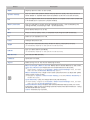
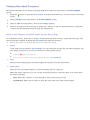
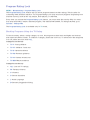
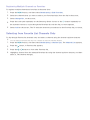
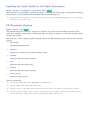
Set the Smart Control Settings via MENU > System > Smart Control Settings.
System
Accessibility
Setup
Menu Language
English
Smart Control Settings
Universal Remote Setup
Voice Control
Motion Control
On