1
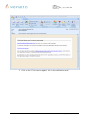
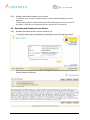
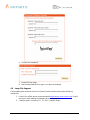
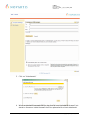
e-Seal User Manual Doc. No.: e-Seal_2_8_11_0096_UME Version: 1.1 6. Be aware that text in email subject will not be encrypted 4.4 Forgotten Password Procedure As long as your account has not been blocked due to too many unsuccessful attempts to login into the e-Seal service, forgotten passwords may be changed by following these steps: 1. Access the e-Seal website page on https://secure-mail.novartis.net 2. Click on Login 3. Click on Forgot Password? 4. Enter your email address 5. Answer the Forgot Password Questions Novartis – Template IT504.0040 V.1.8 9 / 14 e-Seal_2_8_11_0096_UME_1.1.doc