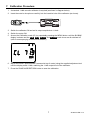
1
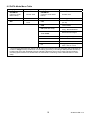
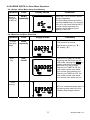
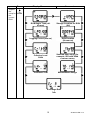
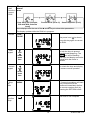
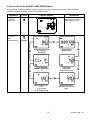
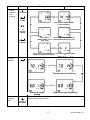
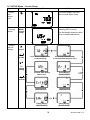
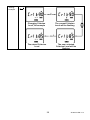
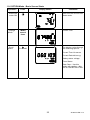
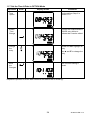
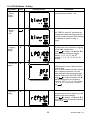
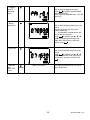
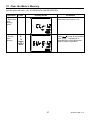
11.7 Set the Time & Date in OPTION Mode Operation Press Display Shows Comments 1. Time Option Continued from Step 2 in Section 11.6 2. Enable Time Change Cursors are enabled and the HOURS entry blinks to indicate that it can be edited. 3. Change the entry or Use and to highlight an entry. Use and to change the entry. The new time setting is stored. 4. Save the Changes Repeat this process to set the date. Note that the date format is dd-mm-yy. 24 SL355-EU-EN-V1.4