1
BOSmanager Remote Administrator - Users Manual
Introduction
BOSmanager is a graphical remote management tool for monitoring, configuring, and applying firmware
upgrades to networked devices. BOSmanager provides interaction with remote devices on the network from a
PC or server where the software is installed.
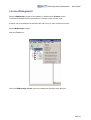
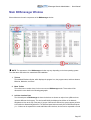
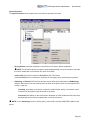
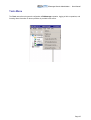
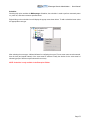
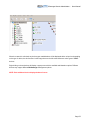
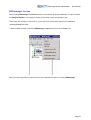
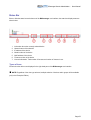
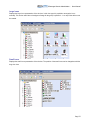
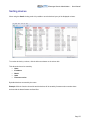
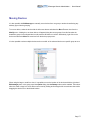
BOSmanager presents a simple graphical representation of devices on the network to the user. In the left hand
pane devices are listed in a tree view according to an assigned group; the right hand pane can be configured to
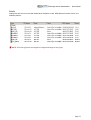
display only device icons (large or small) or details about the devices, including device model, MAC address,
DOM size, device status, and firmware revision.
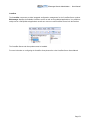
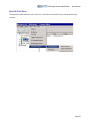
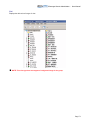
BOSmanager searches specified networks and subnets to find compatible devices. It then displays these
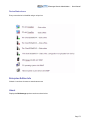
devices in a tree view where each type of device can be identified with a specific icon.
BOSmanager uses the SNMP protocol to discover devices on the network and query configuration parameters
which allows BOSmanager to discover devices by other vendors. Specific types of devices can be enabled for
browsing by BOSmanager (printers, network devices, Microsoft Windows devices, etc).
NOTE: This SNMP option is only available in the Enterprise Edition.
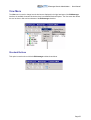
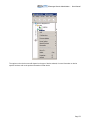
BOSmanager graphical interface allows the user to group devices by location, network address, or department.
Operations such as configuration management or firmware updates can be applied to entire groups of devices.
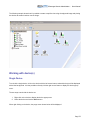
BOSmanager allows the user to specify a background image for a group of devices. The devices can then be
located at specific locations on the background image to represent a “device map”.
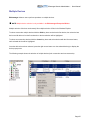
Additionally BOSmanager Remote Administrator allows the user to take complete control of the terminal from a
remote location.
Page 7