1
Expressions
The Expression Window
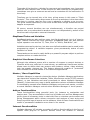
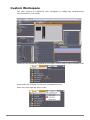
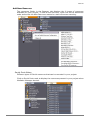
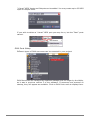
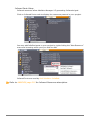
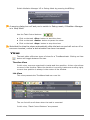
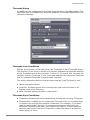
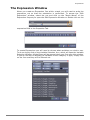
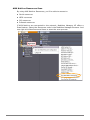
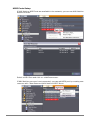
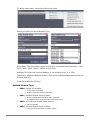
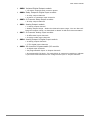
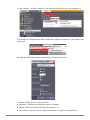
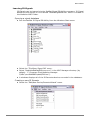
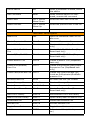
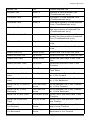
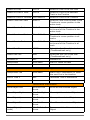
When you create an Expression Cue within a task, you will need to write the
expression out so that the calculation is performed. To access the “Edit
Expression” window, select the cue and click on the “Magic Wand” of the
Expression Property to open the Edit Expression Window or double click on the
expression field in the Properties Tab.
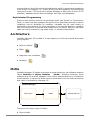
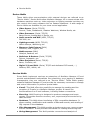
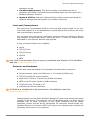
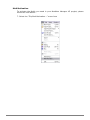
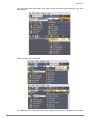
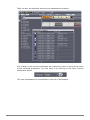
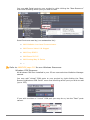
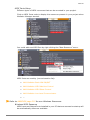
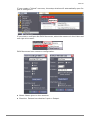
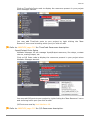
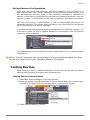
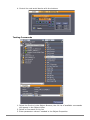
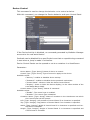
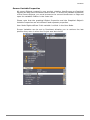
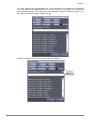
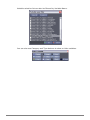
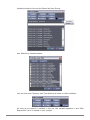
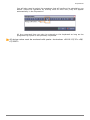
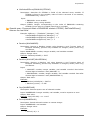
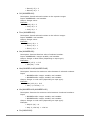
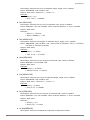
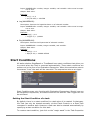
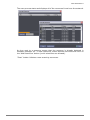
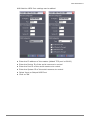
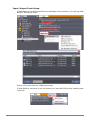
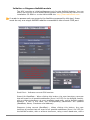
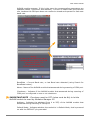
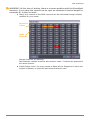
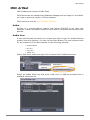
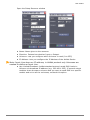
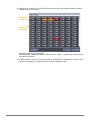
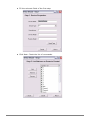
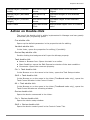
To create Expressions you will need to choose what variables you wish to use.
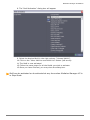
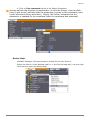
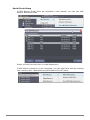
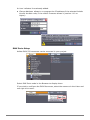
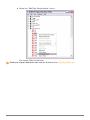
To do so simply click on the Variable Selection Icon, which will open the Variable
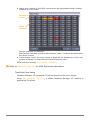
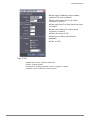
Selection Window. All the filters will be opened when you first open this window.
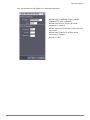
If you do not wish to display the variables of one category or type, simply click
on the Icon and they will be filtered out.
AUTOMATION PROGRAMMING
119