1
Chapter 5 Monitoring and Diagnostics
Installation and Operation Manual
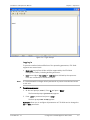
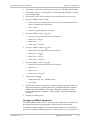
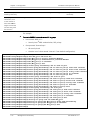
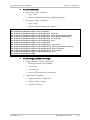
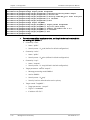
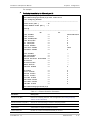
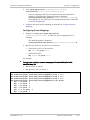
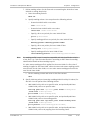
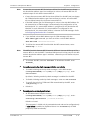
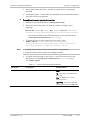
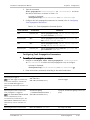
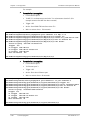
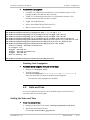
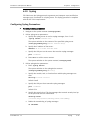
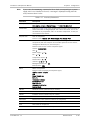
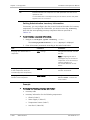
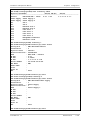
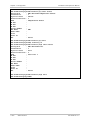
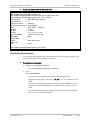
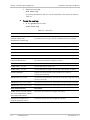
2. Display the event log:
show event-log
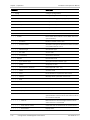
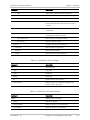
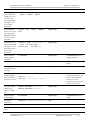
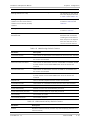
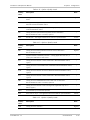
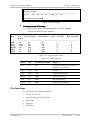
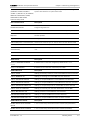
To scroll up and down in the list, use the arrow keys. The events are listed in
Table 5-1.
³
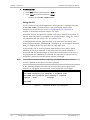
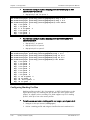
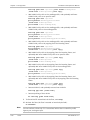
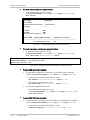
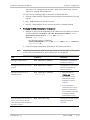
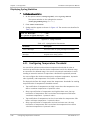
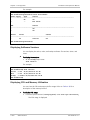
To clear the event log:
•
At the system context, enter:
clear-event-log.
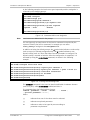
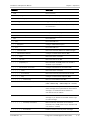
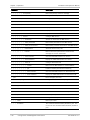
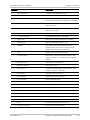
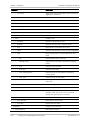
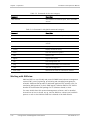
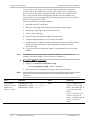
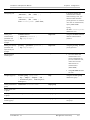
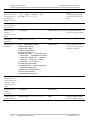
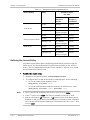
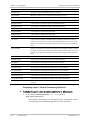
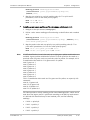
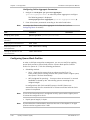
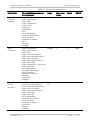
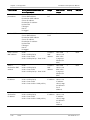
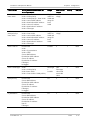
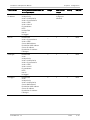
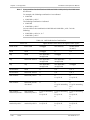
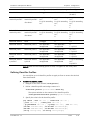
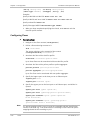
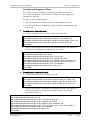
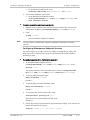
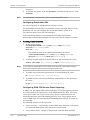
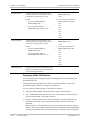
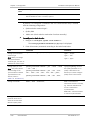
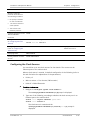
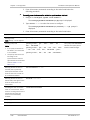
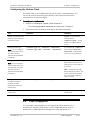
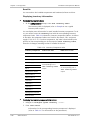
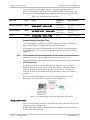
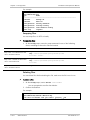
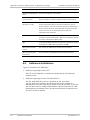
Table 5-1. Event List
System Events
Description
CLI TEXT FILE ERROR:
{STARTUP-CONFIG FILE/
USER-DEFAULT-CONFIG FILE}
An error occurred while attempting to load the specified configuration
file. When this error occurs, the file is deleted and the unit reboots.
COLD START
The unit has rebooted
DYING GASP
The unit lost power and sent indication of dying gasp
FAN {1,2} ON
The specified fan is on
FAN {1,2} OFF
The specified fan is off
FATAL ERROR AT MODULE X, LINE X
Fatal error has been detected at the specified location
INVALID LOGIN VIA
(TELNET/TERMINAL/SSH)
Invalid user name and/or password has been detected while initializing
the Telnet/terminal/SSH management session
LOGIN VIA (TELNET/TERMINAL/SSH)
Login has been performed via Telnet/terminal/SSH application
POWER SUPPLY {1,2} ON
The specified power supply is on
POWER SUPPLY {1,2} OFF
The specified power supply is off because it has failed or is absent
SYSTEM USER RESET
System reset occurred due to user request or as a result of
configuration download
TEMPERATURE XX[C] IS OK
The internal temperature has returned to the allowed range after being
too low or too high
TEMPERATURE XX[C] IS TOO HIGH
The internal temperature has risen above the upper allowed threshold
TEMPERATURE -XX[C] IS TOO LOW
The internal temperature has fallen below the lower allowed threshold
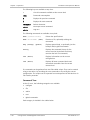
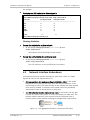
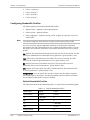
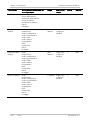
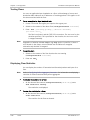
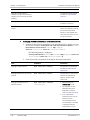
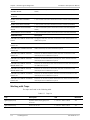
Clock Selection Events
Description
SOURCE CLOCK {sourceId} STATUS
SET TO {OK/ MONITORING FAILED/
PHY FAILED/ ESMC FAILED}
The source clock status has changed as specified
STATION OUT SOURCE SET TO
{LOCKED/UNLOCKED} STATE
The station clock output has changed as specified
5-2
Handling Events
ETX-204A Ver. 2.2