1
Veri-NAC User’s Manual
10.2 Configuring Microsoft Internet Explorer for Command Center
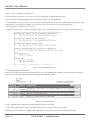
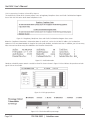
The Command Center uses authenticated connections to perform remote operations. Internet Explorer must be configured for
each appliance to allow the Command Center to maintain authenticated connections.
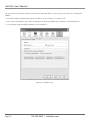
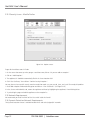
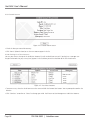
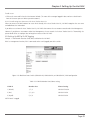
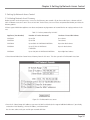
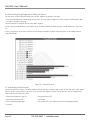
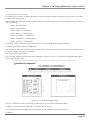
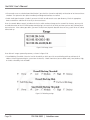
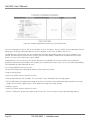
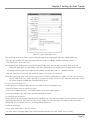
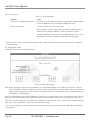
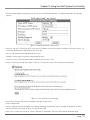
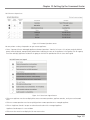
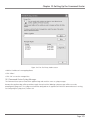
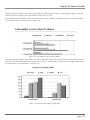
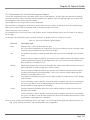
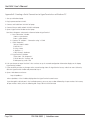
Each managed appliance should be added as a managed Web site. A setting of always allow should be selected for each managed website. The following simple steps will ensure that the Command Center will work to its fullest potential using Internet
Explorer.
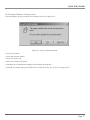
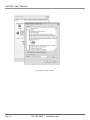
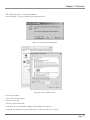
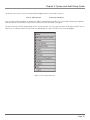
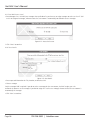
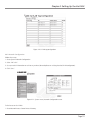
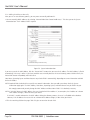
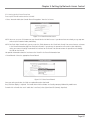
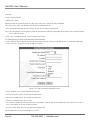
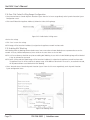
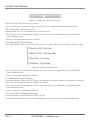
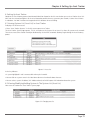
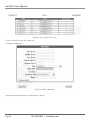
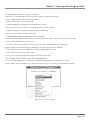
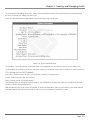
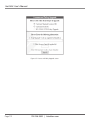
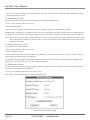
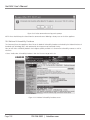
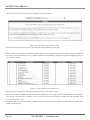
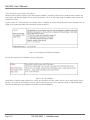
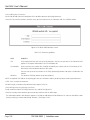
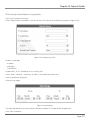
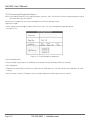
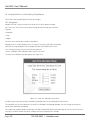
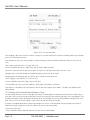
• Select “ToolsgInternet Options” from the Internet Explorer menu.
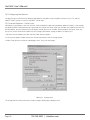
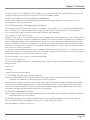
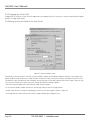
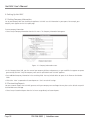
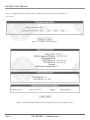
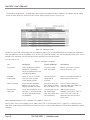
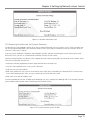
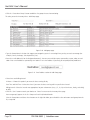
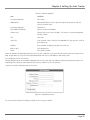
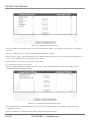
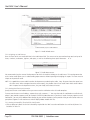
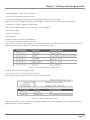
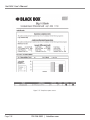
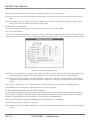
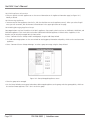
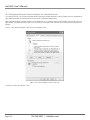
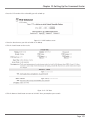
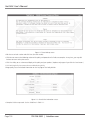
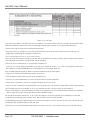
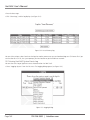
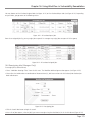
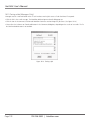
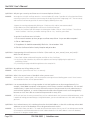
Figure 10-5. Internet Options screen, Privacy tab.
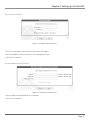
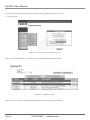
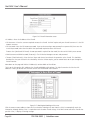
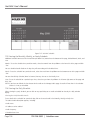
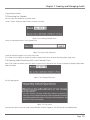
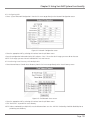
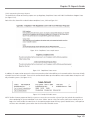
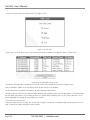
• Select the Privacy tab and click “Sites.”
Page 124
724-746-5500 | blackbox.com