1
Chapter 5: Setting Up Network Access Control
5. Setting Up Network Access Control
5.1 Initiating Network Asset Discovery
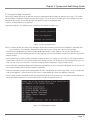
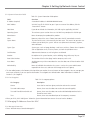
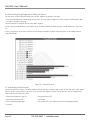
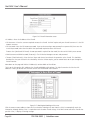
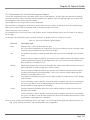
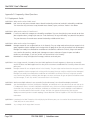
Before Veri-NAC can check your assets, it must first find them on your network. All you have to do is press a button and VeriNAC will discover assets on its own. To ensure Veri-NAC finds all assets, be sure all assets are powered on before you initiate the
discovery process.
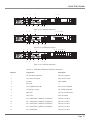
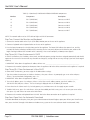
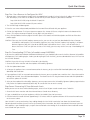
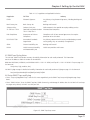
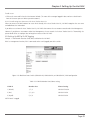
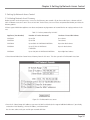
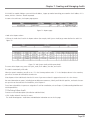
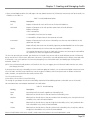
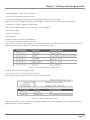
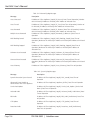
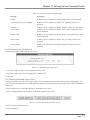
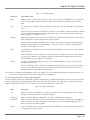
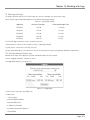
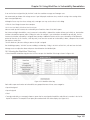
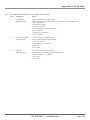
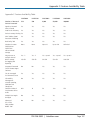
Different types of Black Box appliances can detect and protect varying amounts of network devices on varying numbers of subnets:
Table 5-1. Devices protected by Veri-NAC.
Appliance (Part Number)
Number of Devices Protected
Number of Accessible Subnets
LVN5200A
Up to 250
One subnets
LVN5250A
Up to 500
Two subnets
LVN5400A
Up to 6000 via LVN5200A/LVN5250As
Up to four local subnets
Up to 51,500 via LVN5200A/
LVN5250As
Up to six local subnets
LVN5600A
LVN5800A
Up to 100,000 via LVN5200A/LVN5250As
Up to eight local subnets
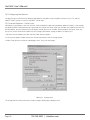
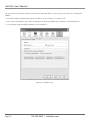
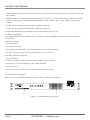
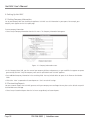
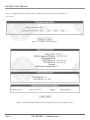
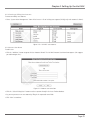
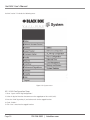
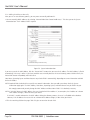
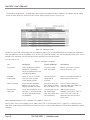
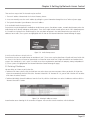
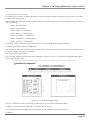
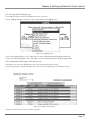
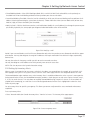
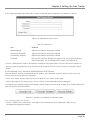
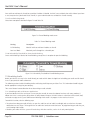
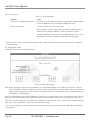
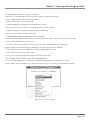
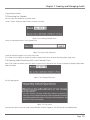
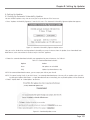
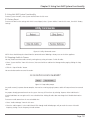
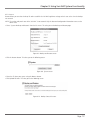
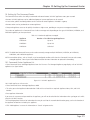
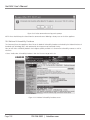
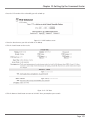
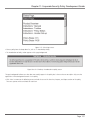
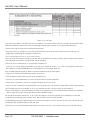
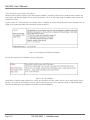
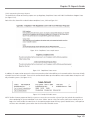
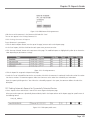
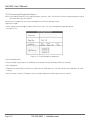
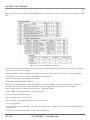
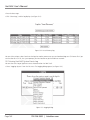
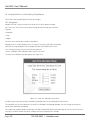
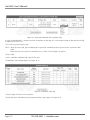
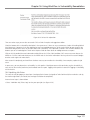
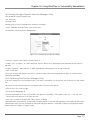
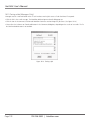
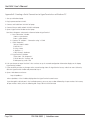
• Select Network Admission ControlgAsset Discovery from the left menu. This takes you to the Find Network Assets box.
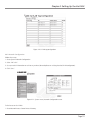
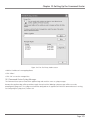
Figure 5-1. Find Network Assets screen.
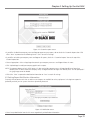
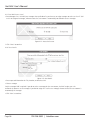
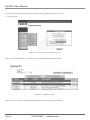
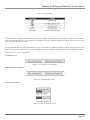
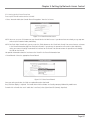
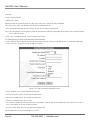
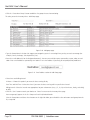
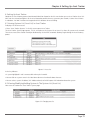
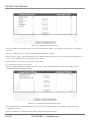
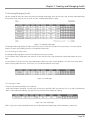
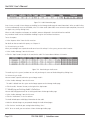
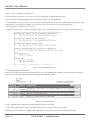
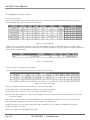
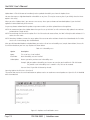
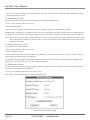
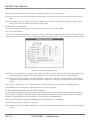
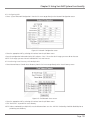
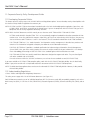
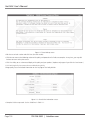
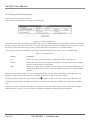
• Enter the IP Subnet Range of IP addresses you want Veri-NAC to include (or the range of additional addresses if you already
executed an initial discovery), the Base IP Address, and Subnet Mask.
Use the same subnet mask you used for your network definition.
Page 53