1
MRIS Bridge Users Manual
Version 1.000 / May 3, 2001
Adding a Listing
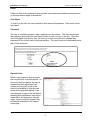
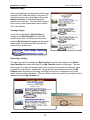
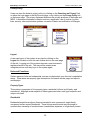
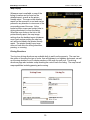
Each listing displayed on the search results page
contains a link to add that listing to Favorites. To
add the listing, the user must simply click on the
Add to Favorites link and the listing will be
added to their favorites. The user will be given a
link to return to the search results upon completion of the addition.
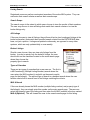
Viewing Listings
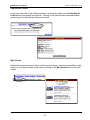
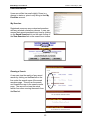
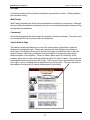
A user can view listings in My Favorites by
clicking on the My Favorites link in the main
toolbar at any time. All listings that have been
added to My Favorites will appear on the search
results page, the same as if they had selected
criteria from a search form.
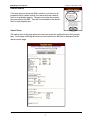
Removing a Listing
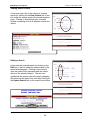
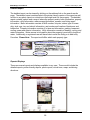
The user may remove a listing from My Favorites at any time by clicking on the Delete
from Favorites link under the listing on the My Favorites search results page. The user
will be asked to confirm the deletion and is then returned to the search results page upon
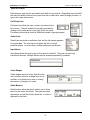
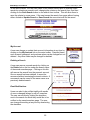
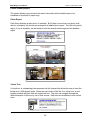
completion of the deletion. Additionally, listings will be automatically removed from My
Listings when the status of the listing is change from active or contingent to any other
status, such as sold or withdrawn. The user will be notified via email of any listings that are
removed from their My Favorites list.
(c)2001 MRIS, Inc.
User Manual.PDF
22