1
Ultimate Player with HD Digital Jukebox
8
Firmware Upgrade
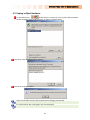
Firmware Version Check.
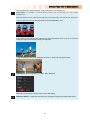
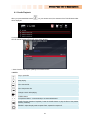
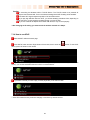
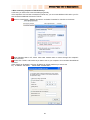
Connect the TVX-HD to your TV and then turn on the TVX-HD.
Press the SETUP button on the top panel and the setup screen will be displayed.
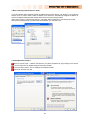
Check the latest firmware version of TVX-HD Homepage
*** You’ll be notified of any firmware updates or news if you fill out the customer registration form
at TVX-HD homepage.
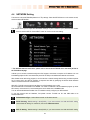
Downloading the Firmware.
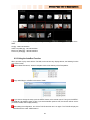
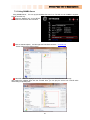
Download the latest firmware from TVX-HD Homepage to your PC.
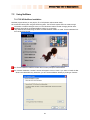
Connect the TVX-HD to your PC with a USB and then turn it on.
Your system will recognize the TVX-HD as an external hard drive.
Copy the latest firmware files into the root of the TVX-HD hard drive or USB memory device.
Turn off the TVX-HD and bring it to your TV for firmware upgrading.
How to Upgrade the Firmware
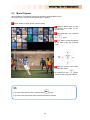
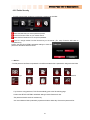
Connect the TVX-HD to your TV
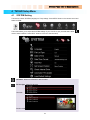
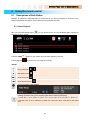
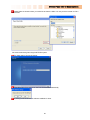
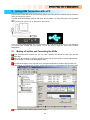
Select the copied firmware file (ex: TVX-HD1.0.0.fwp) and press OK on the remote to start upgrading.
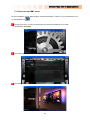
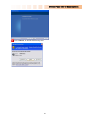
The following screen will be displayed. Follow the instructions on the screen.
62