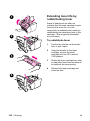
1
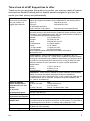
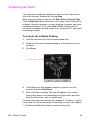
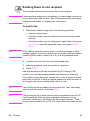
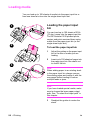
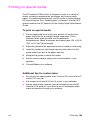
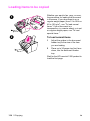
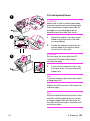
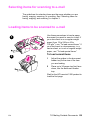
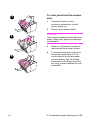
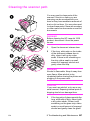
To print on envelopes
1
B
1
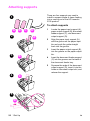
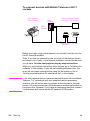
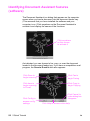
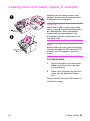
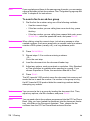
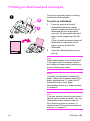
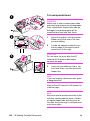
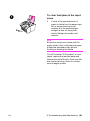
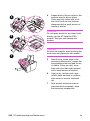
If you are printing one envelope
followed by regular sheets of paper,
place the envelope into the (A)
single-sheet input slot and regular
sheets of paper into the (B) paper
input bin.
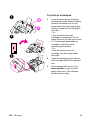
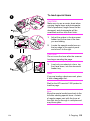
- Or If you are printing several
envelopes in succession, fill the
paper input bin (B) with up to seven
to 10 envelopes, depending on
envelope construction and
operating environment.
- Or If you are printing only one
envelope, use the single-sheet
input slot.
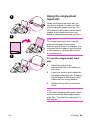
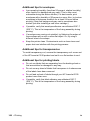
2
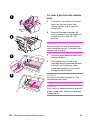
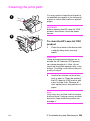
Insert the envelopes print side up,
with the edge that will be stamped
first.
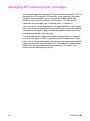
3
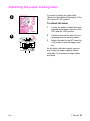
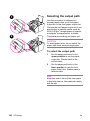
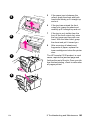
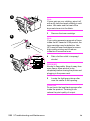
Set the paper path lever to the
lower position to use the front
paper output slot. This reduces
wrinkling and curling.
A
2
3
102 4 Printing
EN