1
Advanced Features
CONFIG.SYS Editor
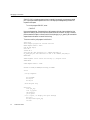
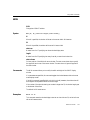
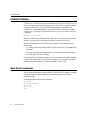
CONFIG EDIT (CE.EXE) is an on-the-fly text editor for CONFIG.SYS. CONFIG EDIT is
useful if you have to make occasional changes to your CONFIG.SYS. It is especially useful if
you suspect that a driver in CONFIG.SYS may hang the system. It is advisable to use
CONFIG EDIT when installing SoftICE in your CONFIG.SYS for the first time. Install
CONFIG EDIT by placing CE.EXE as the first DEVICE = line in your CONFIG.SYS file.
For example:
DEVICE = /S-ICE /CE.EXE
When your system boots, you will hear a tone. After the tone, you have a short time to press
any key. If you press a key CE will take over and allow you to edit CONFIG.SYS.
When you have edited your CONFIG.SYS file, you may exit CE by pressing one of the
following keys:
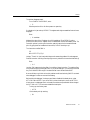
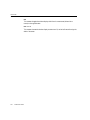
• F1 Pressing F1 exits and changes CONFIG.SYS for this boot only. The changes are not
permanent.
• F10 Pressing F10 exits and changes CONFIG.SYS for this boot and subsequent boots.
• ESCPressing ESC exits with no changes
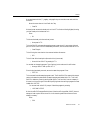
CE can also be run From the DOS command line. This is for a quick look or quick changes to
CONFIG.SYS. Simply enter CE from the DOS command line. The /Q switch (Quiet) will
disable the initial sound made by CE. when it is installed in CONFIG.SYS.
Back Door Commands
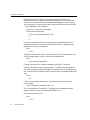
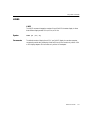
SoftICE contains commands for controlling SoftICE from an MS-DOS program. A program
can take advantage of powerful break points for special debugging jobs or hardware
simulation projects.
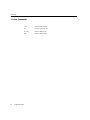
These calls all have the following calling sequence:
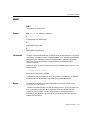
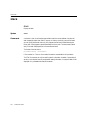
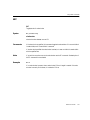
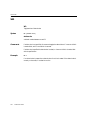
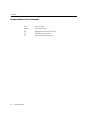
MOV
MOV
MOV
MOV
INT
182
SoftICE User’s Guide
AH,09
AL,SUB-FUNCTION
SI,'FG'
DI,'JM'
3