1
GEN series
5.3
Menu: Settings
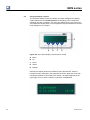
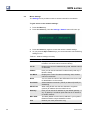
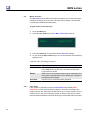
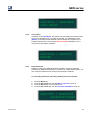
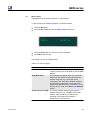
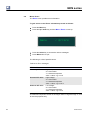
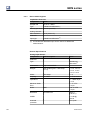
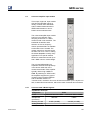
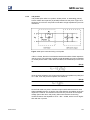
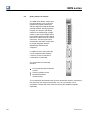
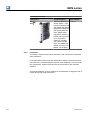
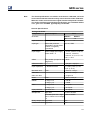
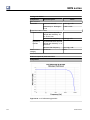
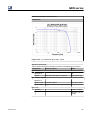
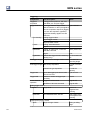
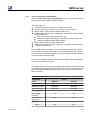
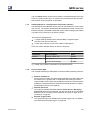
The Settings menu provides access to several controls for the network.
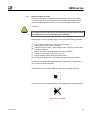
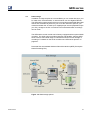
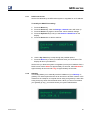
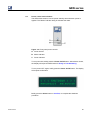
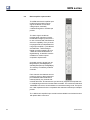
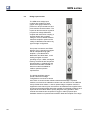
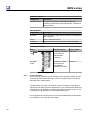
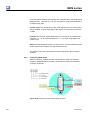
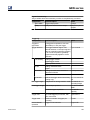
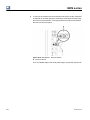
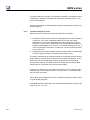
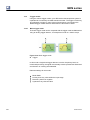
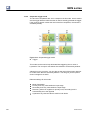
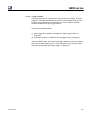
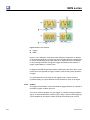
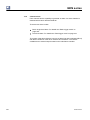
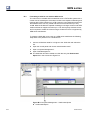
To gain access to the network settings:
1
2
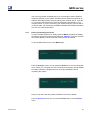
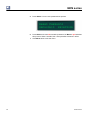
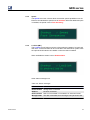
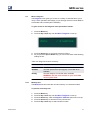
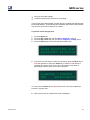
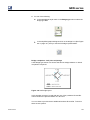
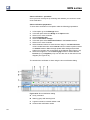
Press the Menu key.
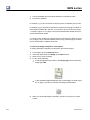
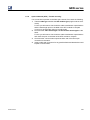
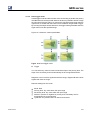
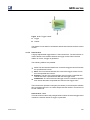
Press the Select key. Now the Settings / Network menu will come up.
3
4
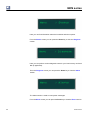
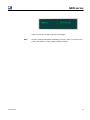
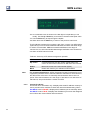
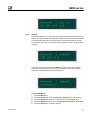
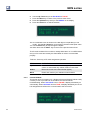
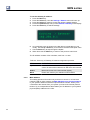
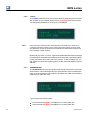
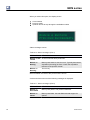
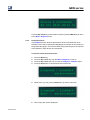
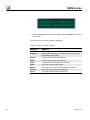
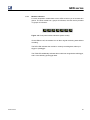
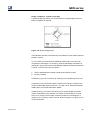
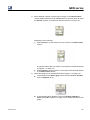
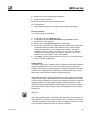
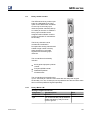
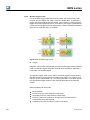
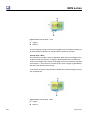
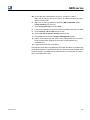
Press the Select key again to access the various network settings.
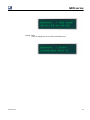
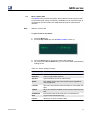
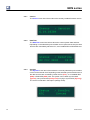
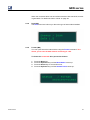
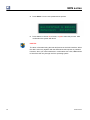
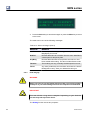
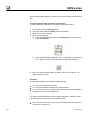
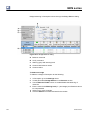
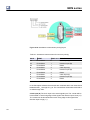
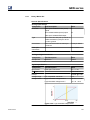
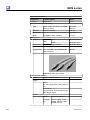
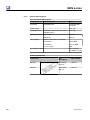
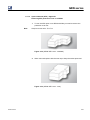
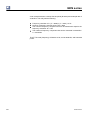
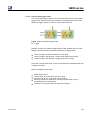
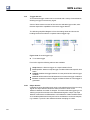
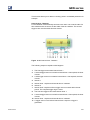
As you press the Up and Down keys, you can access each of the following
settings in turn.
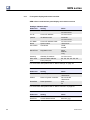
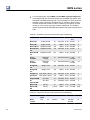
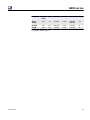
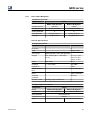
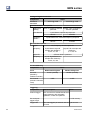
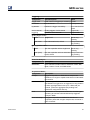
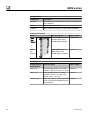
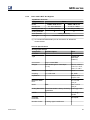
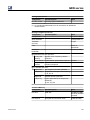
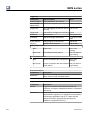
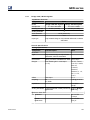
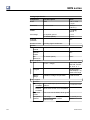
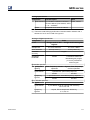
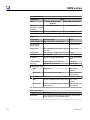
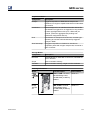
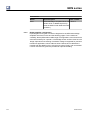
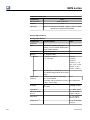
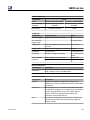
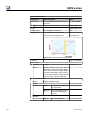
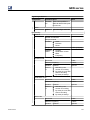
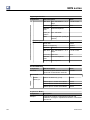
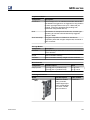
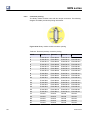
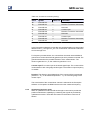
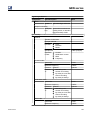
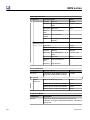
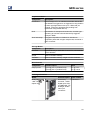
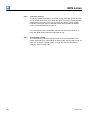
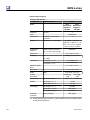
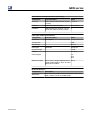
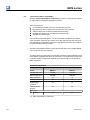
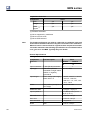
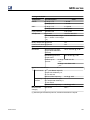
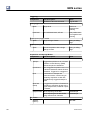
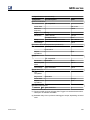
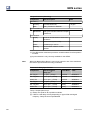
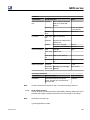
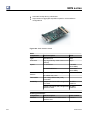
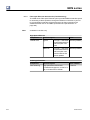
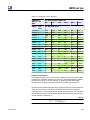
Table 5.1: Network settings summary
58
MENU
FUNCTION
IPAdr
Here you can set the manual IP address (used only if DHCP
is False or if a DHCP server cannot be found)
Cur IP
Displays the current IP address being used, whether manual
or automatic
IPMask
Here you can set the manual IP subnet mask (used only if
DHCP is False)
Cur Mask
Displays the current IP subnet mask being used, whether
manual or automatic
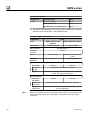
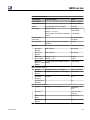
Name
You can enter the name of the GEN series here to be used
for identification on the network
Use DHCP
Selects between Automatic (TRUE) or Manual (FALSE) IP
addressing
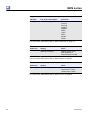
DHCPTime
When using DHCP sets the time allowed to negotiate
(receive) an address from the DHCP server.
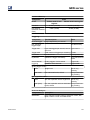
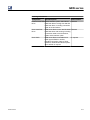
Gateway
Here you can set the IP address of your default gateway - if
any. A gateway is a network point that acts as an entrance
to another network
MAC Addr
The MAC (Media Access Control) address is your system's
Ethernet interface unique hardware number
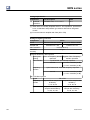
Port
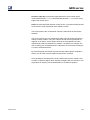
Network port used (information only)
I2704-4.0 en