1
5.1
5
5
5
5
5
5
5
5
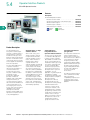
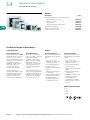
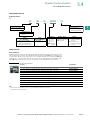
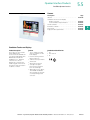
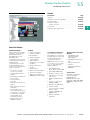
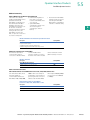
Product Overview
Product Selection Guides
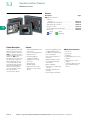
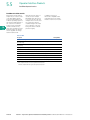
Operator Interface System
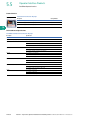
Components
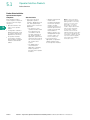
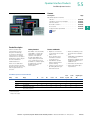
Each operator interface
system requires component
selection from three major
categories:
●
●
5
5
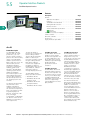
Operator Interface Products
●
Operator interface—the
online unit or operator
station
Configuration software—
PC-based software, used
to configure and transfer
applications to and from
the operator interface
Connectivity—includes
optional cables, hardware
interfaces and software
utilities
5
5
5
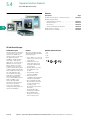
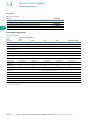
Selection Criteria
●
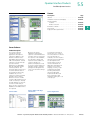
First, select the most
appropriate operator
interface, display type and
size, and operator input
options for the customer’s
application
●
The selection of the
operator interface model
line is driven by such
considerations as the
size and complexity of
the operator interface
application, performance
requirements, as well as
the economic factors of
the overall control
system
●
The display type is
chosen based on
application complexity
and the operator’s
proximity to the operator
interface
Operator input options
include either
touchpanel (keypad) or
touchscreen operator
interface models.
Criteria for selection of
the best input method
include environmental
factors (airborne
particles, grease, etc.),
and application design
(numeric input, onetouch control, etc.)
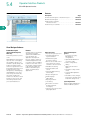
Second, select the
appropriate configuration
editing software for the
chosen Operator Interface
●
●
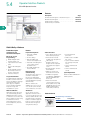
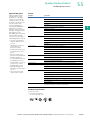
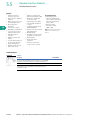
Note: In order to specify the
proper configuration software,
cabling and other connectivity
options, you must know the
target PLC or controller to
be used with the operator
interface. Required information
may include the PLC brand,
model number, software/
firmware revision level and
hardware/software interface type.
If the customer already has the
configuration software, they may
only need a software upgrade,
which may be downloaded at
www.eaton.com/oi.
5
5
5
5
5
5
5
5
5
5
5
5
5
5
5
5
5
V7-T5-2
Volume 7—Logic Control, Operator Interface and Connectivity Solutions CA08100008E—March 2012 www.eaton.com