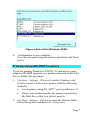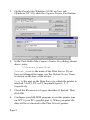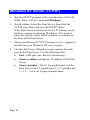
1
Physical Installation
1.
Connect the LAN cable to the Print Server. If both
10BaseT and 10Base2 connections are fitted, use only
ONE (1) connection.
2.
Connect the Printer(s).
3.
Connect the Power Adapter Cable.
4.
Power ON, and check the Error LED. It should flash, then
turn off. If it stays on, there is a hardware error.
Setup - Overview
The following sections describe how to make the Print Server
operational in various environments.
The fastest and simplest method of installation is to use
Windows Peer-to-Peer printing. This method can be used even
if there is an existing Network Server (NetWare, Unix or
Windows) on your LAN.
If your situation is not included, or this information is
insufficient, please refer to the full User Manual in the Manual
folder on the CD-ROM.
Page 1