1
Display settings
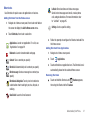
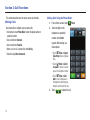
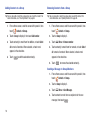
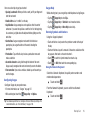
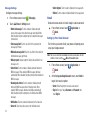
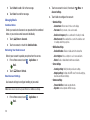
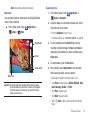
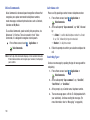
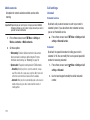
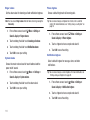
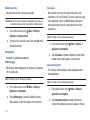
Media volume
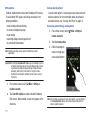
Set the default volume for playback of music and videos.
Note: You can set Media volume during playback by pressing the Volume Key.
1.
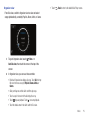
From a Home screen, touch
Menu ➔ Settings ➔
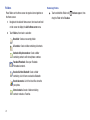
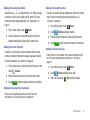
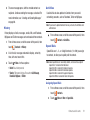
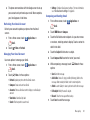
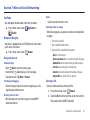
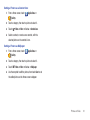
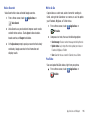
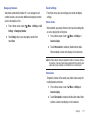
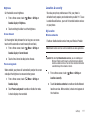
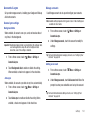
Orientation
Enable or disable automatic rotation of the screen when you turn
the phone clockwise or counterclockwise.
1.
2.
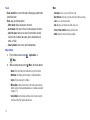
Touch and drag the slider to set Media volume, then touch
2.
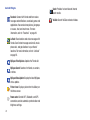
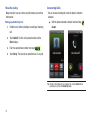
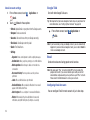
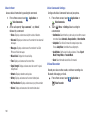
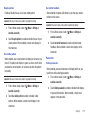
You can set your phone to play an alert tone or vibrate during an
emergency call (for example, calls to 911).
Menu ➔ Settings ➔
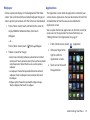
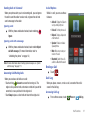
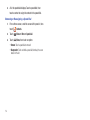
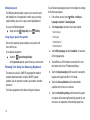
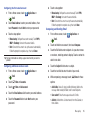
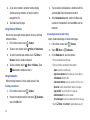
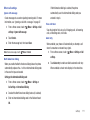
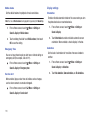
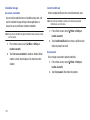
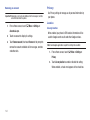
Set the level of animations for transitions from one window to
another.
1.
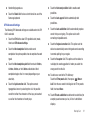
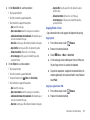
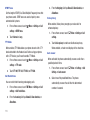
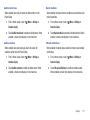
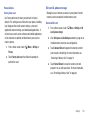
Service alert
2.
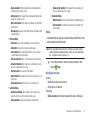
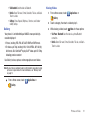
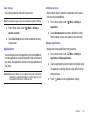
When enabled, plays an alert tone to indicate service changes,
such as when connects are made or dropped.
From a Home screen, touch
Sound & display ➔ Service alert.
116
Menu ➔ Settings ➔
From a Home screen, touch
Menu ➔ Settings ➔
Sound & display ➔ Animation.
Sound & display ➔ Emergency tone.
䊳
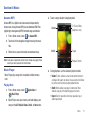
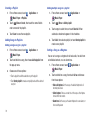
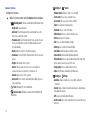
Touch Orientation to enable or disable automatic screen
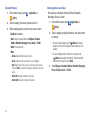
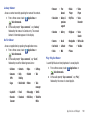
Animation
Emergency Tone
From a Home screen, touch
Menu ➔ Settings ➔
orientation. When enabled, a check displays in the box.
OK to save the setting.
䊳
From a Home screen, touch
Sound & display.
Sound & display ➔ Media volume.
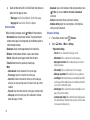
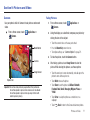
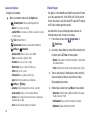
Touch No animation, Some animations, or All animations.