1
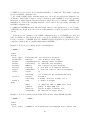
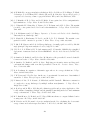
RAMD in NAMD using a tcl script (available as supplementary material in ref 6) provided only
limited functionality compared to the AMBER 8 implementation.
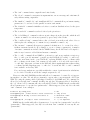
In the current implementation, the RAMD method can be performed in 2 flavors: (i) ”pure
RAMD simulations” in which the randomly-oriented acceleration is applied continuously, and (ii)
”combined RAMD-MD simulations” in which RAMD steps alternate with standard MD steps.
Additional information is found in the README file in the ”lib/ramd” directory. The user is
encouraged to carefully read this information before starting production runs.
The three required scripts are stored in ”lib/ramd/scripts”: (i) ramd–4.0.tcl defines the simulation parameters and passes them from the NAMD configuration file to the main script, (ii)
”ramd–4.0 script.tcl” adds the randomly oriented force and performs all related computations, and
(iii) ”vectors.tcl” was borrowed from VMD and defines the vector operations used.
Two examples for running the scripts are included in the directory ”lib/ramd/examples”. The
user is encouraged to read the ”README.examples” file provided in the same directory.
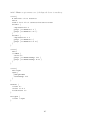
In order to turn RAMD on, the line ”source /path/to/your/files/ramd–4.0.tcl” should be included in the NAMD configuration file. Unless the user decides to store the scripts at a different
location, the path ”/path/to/your/files” should point to the ”lib/ramd/scripts” directory. Otherwise, the user should make sure that the directory ”/path/to/your/files” stores all three scripts
described above.
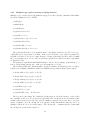
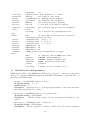
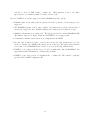
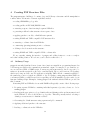
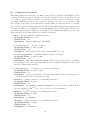
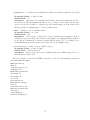
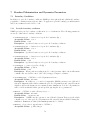
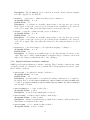
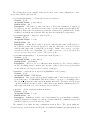
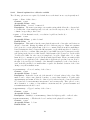
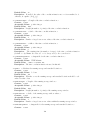
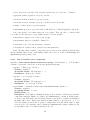
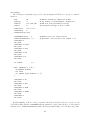
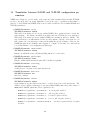
The specific RAMD simulation parameters to be provided in the NAMD configuration file (listed
below) should be preceded by the keyword ”ramd”. The default values for these parameters are
only given as guidance. They are likely not to be suitable for other systems than those the scripts
were tested on.
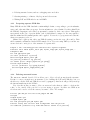
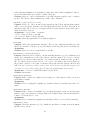
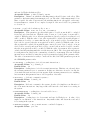
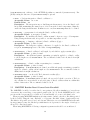
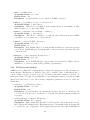
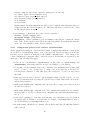
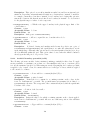
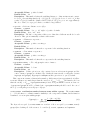
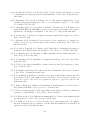
• ramd debugLevel < Set debug level of RAMD >
Acceptable Values: integer value
Default Value: 0
Description: Activates verbose output if set to an integer greater than 0. Should be used
only for testing purposes because the very dense output is full of information only relevant
for debugging.
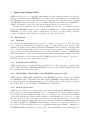
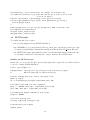
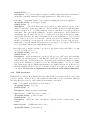
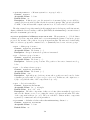
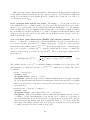
ramd mdStart < Start RAMD-MD with MD or RAMD? >
Acceptable Values: yes or no
Default Value: no
Description:
Specifies if combined RAMD-MD simulation starts with MD or RAMD
steps; ignored if pure RAMD simulation is performed. Should be set to ”yes” if initial MD
steps are desired.
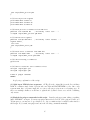
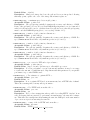
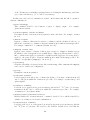
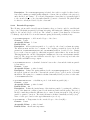
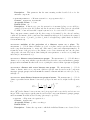
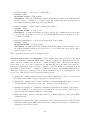
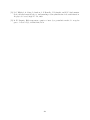
• ramd ramdSteps < Set number steps in RAMD block >
Acceptable Values: positive integer
Default Value: 50
Description: Specifies the number of steps in 1 RAMD block; the simulations are evaluated
every ’ramdSteps’ steps.
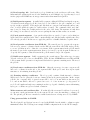
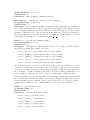
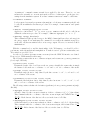
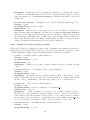
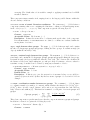
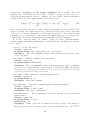
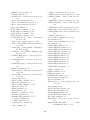
• ramd mdSteps < Set number steps in MD block >
Acceptable Values: positive integer
Default Value: 0
Description: Specifies the number of steps in 1 standard MD block; in combined RAMDMD simulations, the RAMD blocks are evaluated every ’ramdSteps’, the MD blocks every
’mdSteps’ steps. Default of 0 gives pure RAMD simulation.
184