1
2-1 Set Date and time
Note:
Accutest automatically memorizes test results with testing date and time. It is
recommended to set the correct date and time prior to the testing, so that correct test
date and time can be stored in the meter memory.
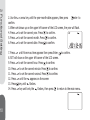
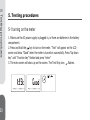
1. Press and hold the Enter key to turn on the meter. "Test" will appear on the LCD
screen and show "Good" when the meter is turned on successfully. Press "Up down
key" until "Function key" flashed and press "enter"
2. Functional Setting
2. Functional Setting
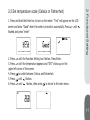
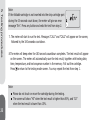
The main screen will show up on the screen. Press ▲▼ until the Function Setting
iconflashes. Press Enter
9