1
SENTRYFILE
USER’S MANUAL
Annotations
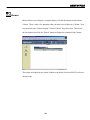
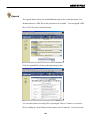
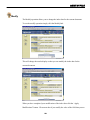
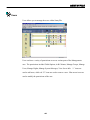
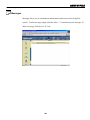
Annotations allow you to make quick notes about documents within the system. To
access the annotation for a documents simply click the “Annotations” link along the top
functions bar for the document.
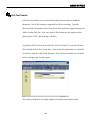
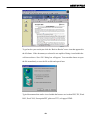
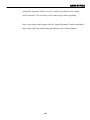
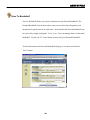
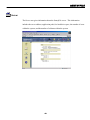
The Annotations are displayed in a list format along with the date the annotation was
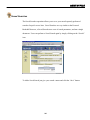
created and which user posted the annotation. You can add additional annotation by
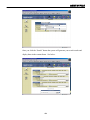
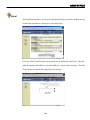
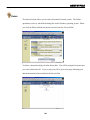
clicking the white “+” icon along the top of the page. This will display the field where
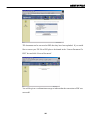
you can enter the annotation. Click the “Add Note” button to add the annotation to the
system. (see below)
21