1
Local IP Configuration
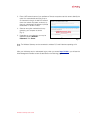
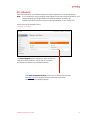
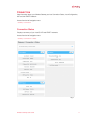
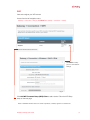
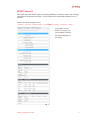
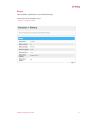
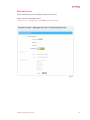
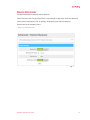
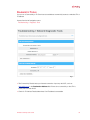
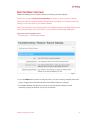
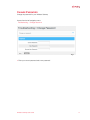
View information about your local network. You may edit the LAN DHCP settings, if desired (for
Advanced Users).
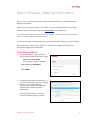
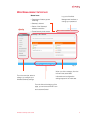
Access from the left navigation menu:
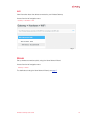
Gateway > Connection > Local IP Network (or click VIEW from Gateway > Connection > Status)
Fig. 1
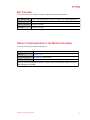
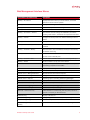
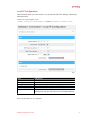
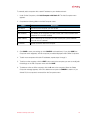
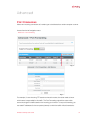
Field
IPv4
Gateway Address
Subnet Mask
DHCP Beginning Address
DHCP Ending Address
DHCP Lease Time
Description
Local IP address of the router
Subnet address for the LAN (3 subnets to choose from)
First available Local IP Address in the DHCP pool
Last available Local IP Address in the DHCP pool
Length of time a local device retains an IP Address before
checking back with the DHCP Server on the Wireless Gateway
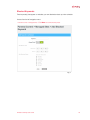
Note: IPv6 parameters are not configurable.
Wireless Gateway User Guide
12