1
BOBCAT Hardware User’s Manual
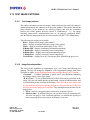
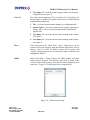
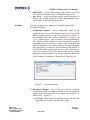
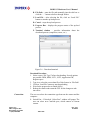
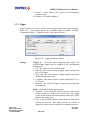
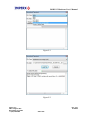
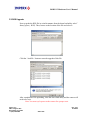
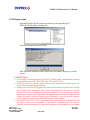
If the user selects to upgrade camera firmware and camera factory register space, the
camera firmware must be upgraded first.
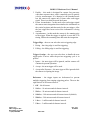
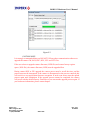
During camera RGS or FW upgrade the camera power must be on all the time, and the
process must not be interrupted. If the camera is disconnected or the process canceled, this
will result in a user application firmware corruption. If such event occurs start the upload
process again until completion. If the upgrade process cannot be completed, the camera
will power with the default Factory Firmware so you can start the upgrade process again. If
you need more information, please contact Imperx.
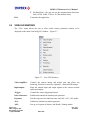
During DPC, HPC, FFC or LUT upgrade the camera power must be on all the time, and the
process must not be interrupted. If the camera is disconnected or the process canceled, start
the upload process again until completion. If the upgrade process cannot be completed, the
corresponding camera function will not work. This will not affect the overall camera
performance, so you can start the upgrade process again. If you need more information,
please contact Imperx.
Imperx, Inc.
6421 Congress Ave.
Boca Raton, FL 33487
+1 (561) 989-0006
Rev. 2.0.1
4/10/2012
241 of 253