1
IPLDK Remote Diagnostic
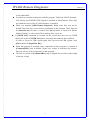
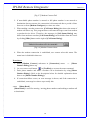
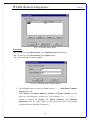
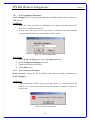
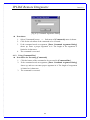
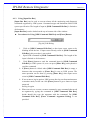
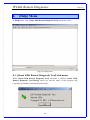
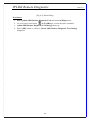
[Fig 6-2] About Dialog
Procedures:
1. Select [About LDK Remote Diagnostic Tool] sub-menu in [Help] menu.
2. Or, user can use tool button
in [ToolBar] to execute the same command.
3. [About LDK Remote Diagnostic Tool Dialog] shows up.
4. When [OK] button is clicked, [About LDK Remote Diagnostic Tool Dialog]
disappears.
40
Issue 3.0