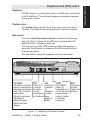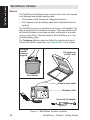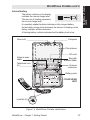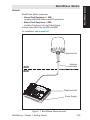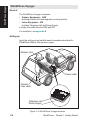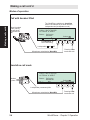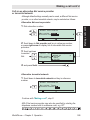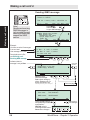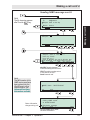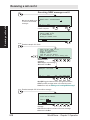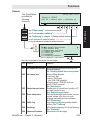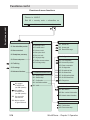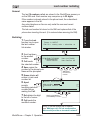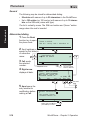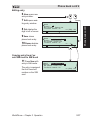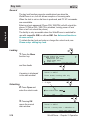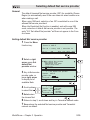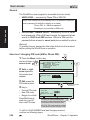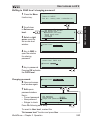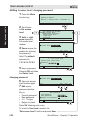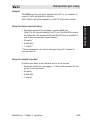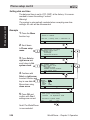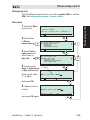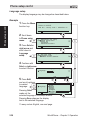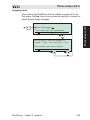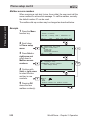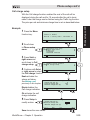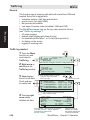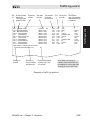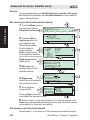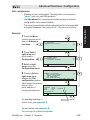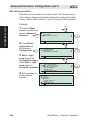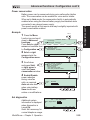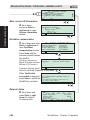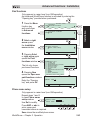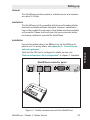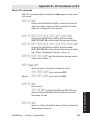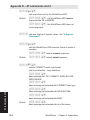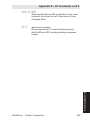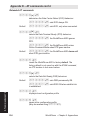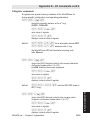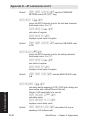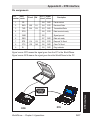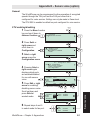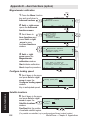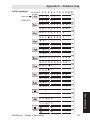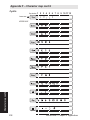
1
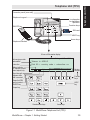
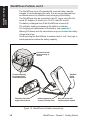
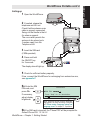
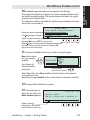
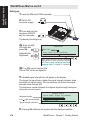
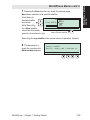
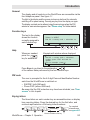
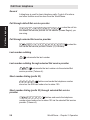
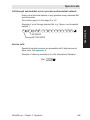
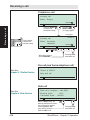
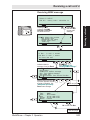
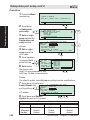
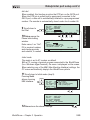
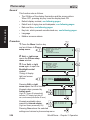
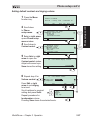
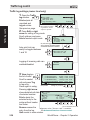
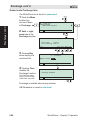
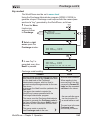
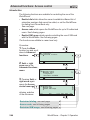
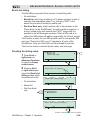
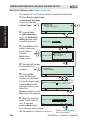
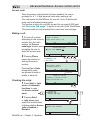
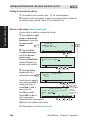
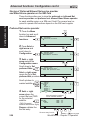
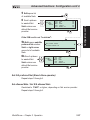
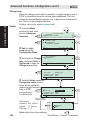
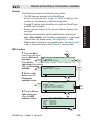
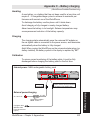
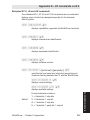
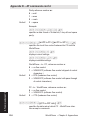
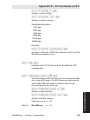
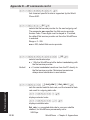
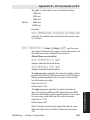
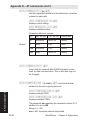
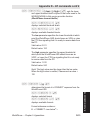
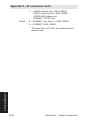
WorldPhone Marine cont’d WorldPhone Marine cont’d Setting up 1 Insert the SIM card (if SIM operated): 2 Switch ON the power supply: ON/OFF 3 47 Press and hold the telephone ON/OFF key for 2 seconds: 1!/? 4ghi 7pqr 8st 0yz 0 NT Di al in AO 00 R E + co un Esc 2ab 5jkl try 14 co Bo de ok + La .03 su st .43 bs 9vwx 03 cr ibe Me 3de 6mno nu De c r no Se 19 96 ek Help The display should light up. 4a Enter the SIM PIN code, and press Ok: Adjust display brightness: WorldPhone SIM PIN: Press "Help" for an introduction. Del 470 DC Eng Ok When selecting another display language, Eng appears for easy restoring of English, see "Phone setup: Language setup and Language reset" in chapter 2. Operation. 4b If no SIM card is inserted, the "Phone PIN" will be prompted for. 5 A shaded signal strength bar will appear in the display. The longer the signal bar or higher the signal strength indicator value, the better the signal quality. The bar becomes solid when the signal strength value reaches 400. The maximum marker indicates the highest signal strength achieved during the current search. Satellite search Maximum marker Low high signal strength Signal strength indication 6 1.14 Found AOR-E. Accept this satellite? 470 DC SIM Tone Seek New Ok Pressing Ok initializes the system with the displayed satellite. WorldPhone – Chapter 1. Getting Started