1
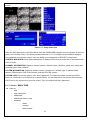
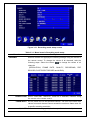
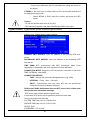
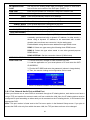
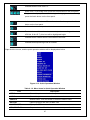
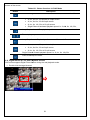
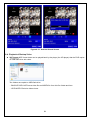
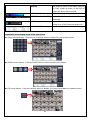
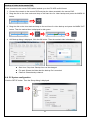
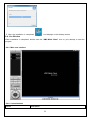
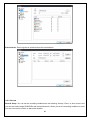
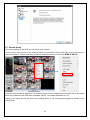
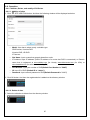
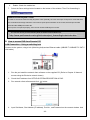
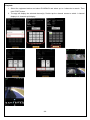
Figure 3.3.1.1. Schedule recording setup screen
3-4. Setup – Device Mode
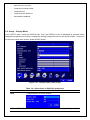
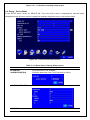
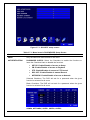
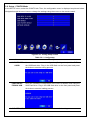
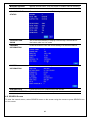
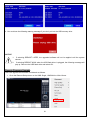
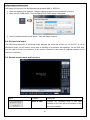
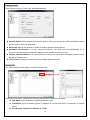
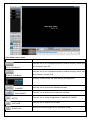
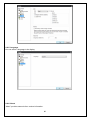
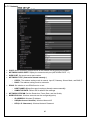
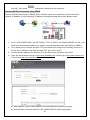
In the SETUP menu, select the DEVICE tab. Then, the device menu is displayed as pictured below.
Navigate through the menu items or change the settings using the mouse or the remote control.
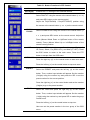
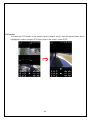
Figure 3.4.1. Device mode setup screen
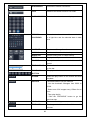
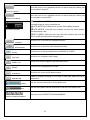
Table 3.4.1. Menu items in Device Setup screen
Item
Description
ALARM OUT
Only one Alarm-out is available.
/ALARM DURATION
Set alarm dwell time from 5 to 60 seconds or infinite.
CONTROLLER & PTZ
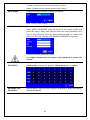
Set the controller and PTZ camera speed, number, type and ID.
CHANNEL
Select specified channel for motion zone setup.
28