1
3. Setting up the DVR
The following sections detail the initial setup of the DVR.
3-1. Setup – Main screen and Menu Tree
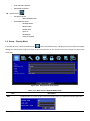
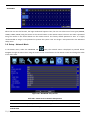
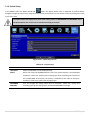
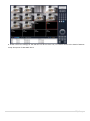
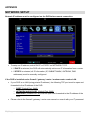
To enter the setup menu, right click on the mouse and select setup from the submenu or press the setup button on
the front panel or the remote control.
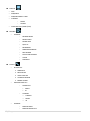
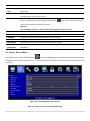
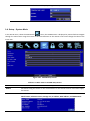
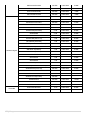
Figure 3.1.1. Setup Menu Tree
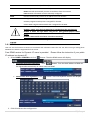
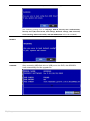
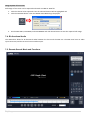
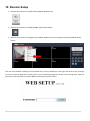
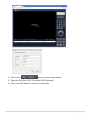
When the DVR prompts the LOG-IN window, enter the PASSWORD using the virtual keyboard, or the front panel, or
the remote control. The factory default password is 1111. It is highly recommended to assign a new password to
protect the system. User can assign a new password in SECURITY setup menu.
15 | P a g e