1
The Editor User Interface and Basic Operations
The heading
Symbols and
lines
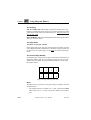
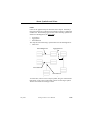
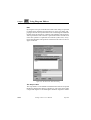
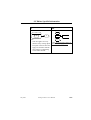
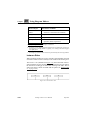
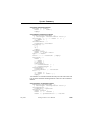
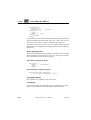
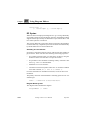
Figure 280: The drawing area with an MSC Diagram displayed
Drawing Area Boundaries
The drawing area is delimited by its boundaries, which correspond to
the size of the page. No objects are allowed to be placed outside these
boundaries. The drawing area uses a light background color, while the
area outside the drawing area uses a grey pattern.
Within a diagram, each page has an individual size.
The Frame
The frame always coincides with the drawing area size. It is selectable
but not editable. The frame is automatically selected with the Select All
menu choice.
It is not possible to connect any diagram symbol to the frame. The frame
only affects if the page is printed with or without a frame when printing
selected objects, or when selected symbols are copied to a metafile
(Windows only).
July 2003
Telelogic Tau 4.5 User’s Manual
,um-st1
1583